Re:Count
Count what matters. Set goals, build streaks, and keep tabs on anything — right from your wrist to your home screen.
Everything you need to count.
From a simple tally to a fully tracked habit — Re:Count covers you on iPhone, iPad, Apple Watch, and your home screen.
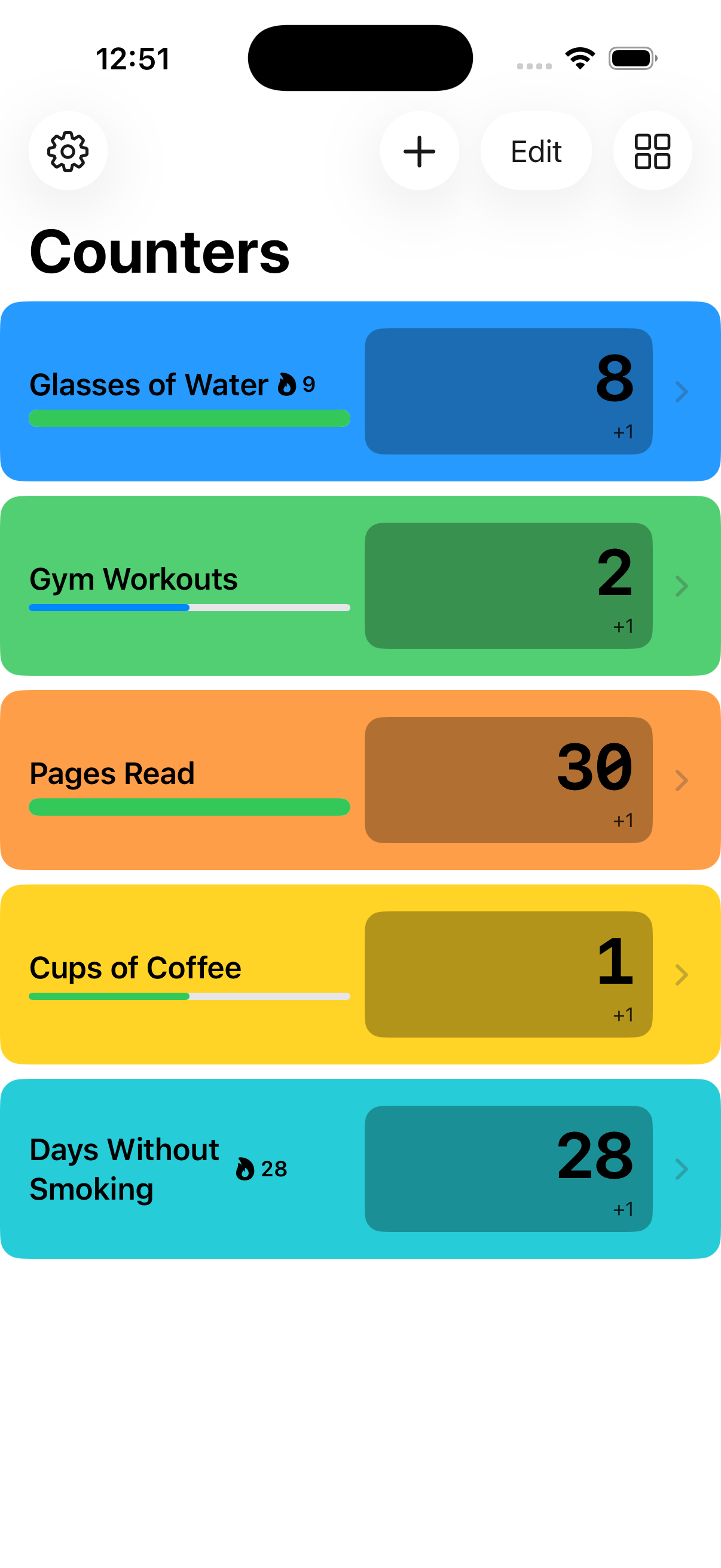
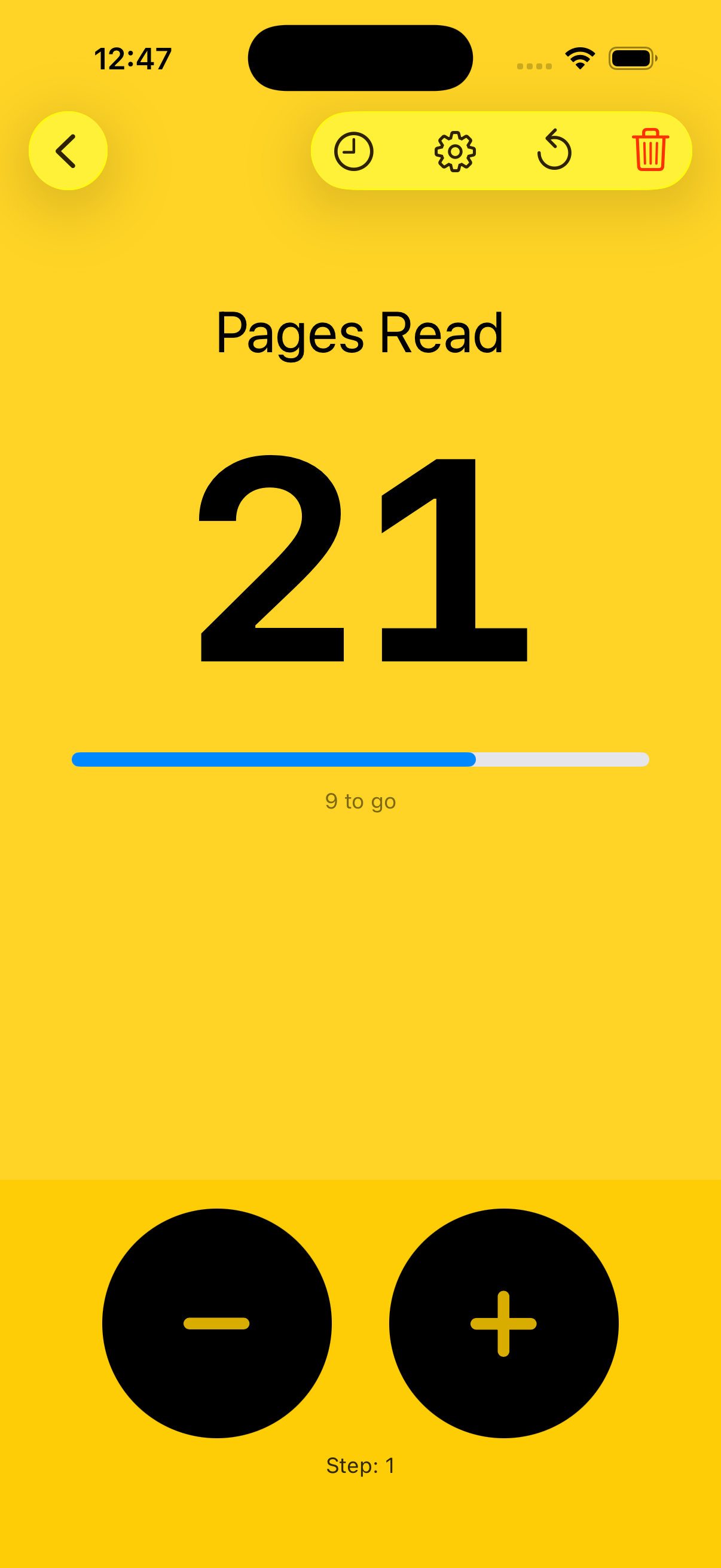
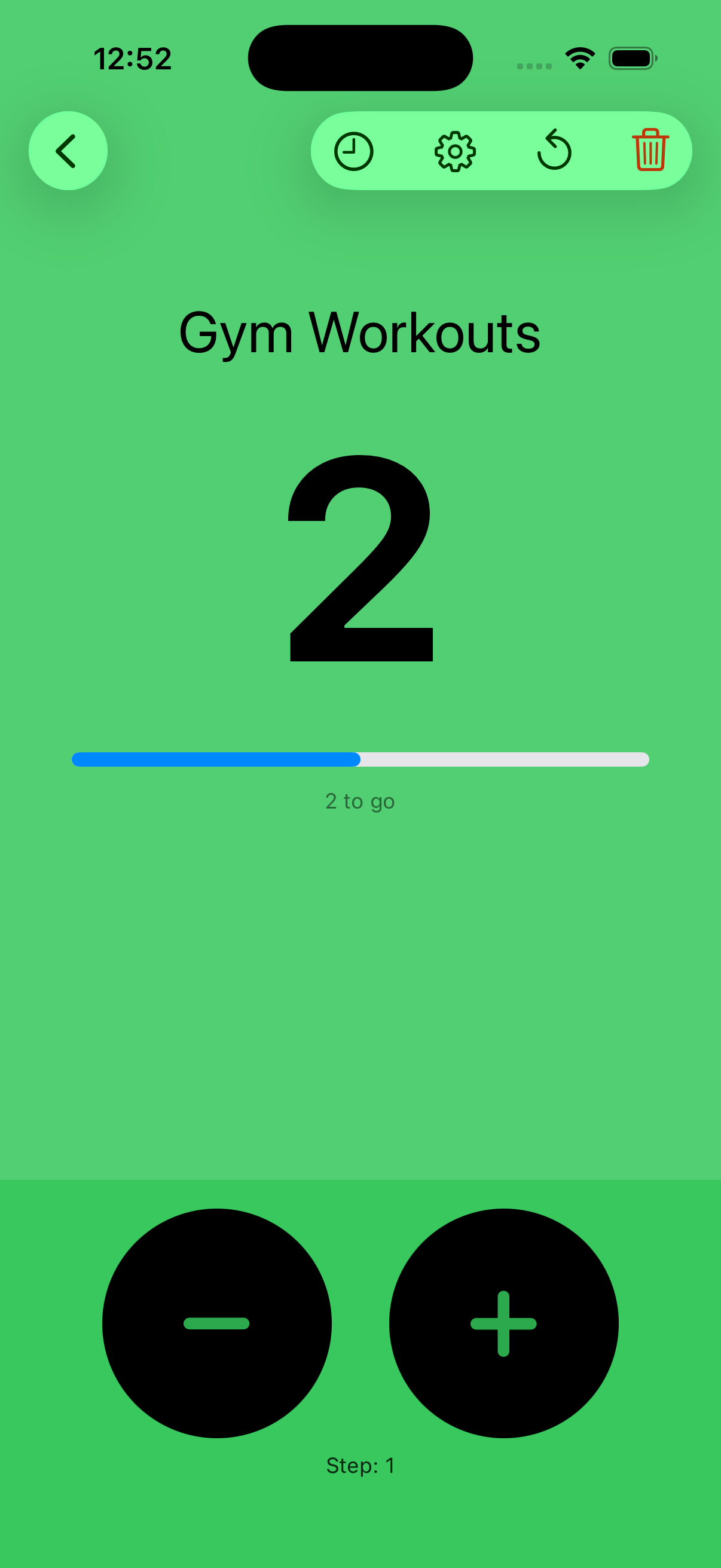
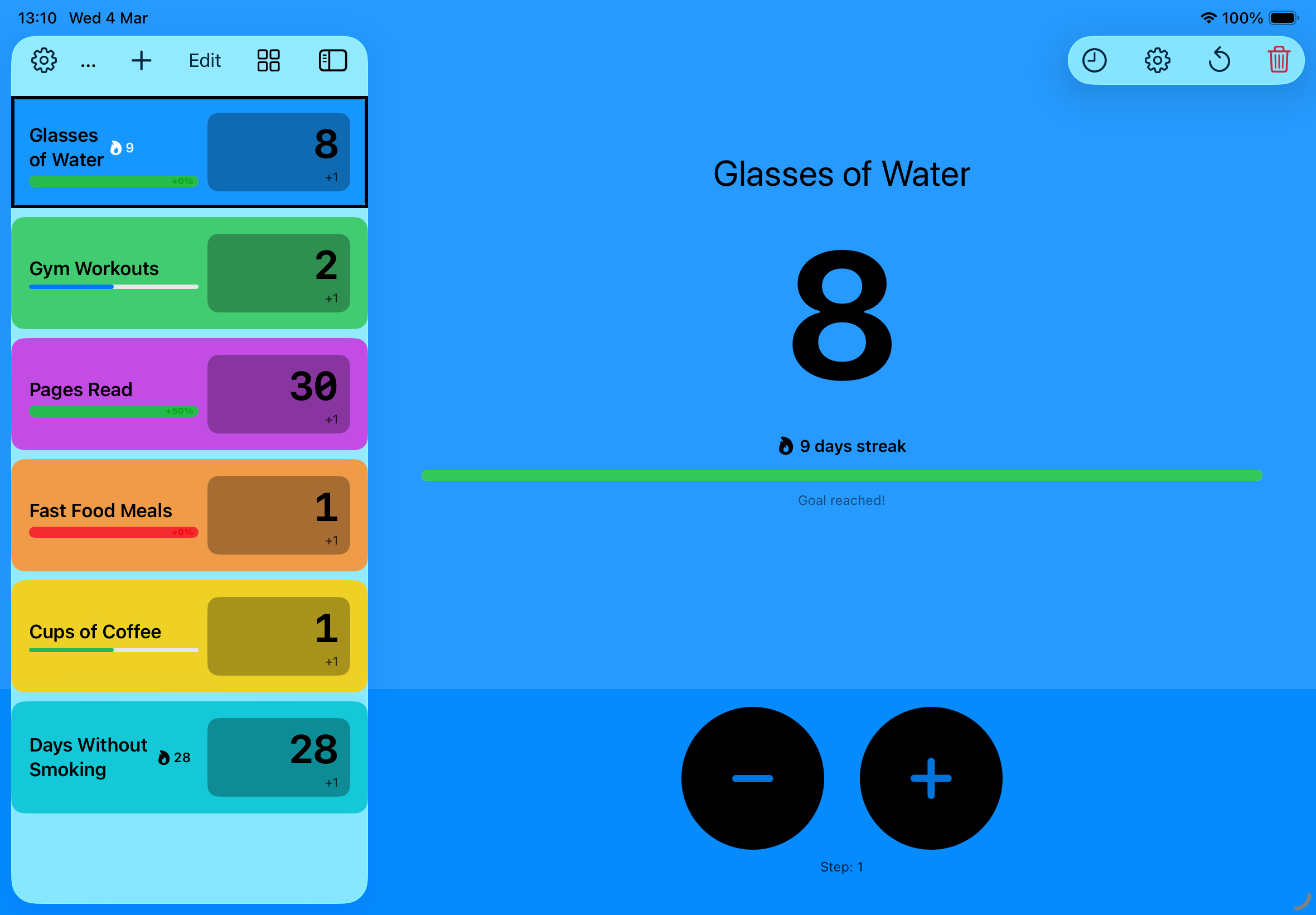
Create as many counters as you need. Name them, colour them, and set your own step size — 1, 5, 10, or anything you like.
Set a daily goal or a hard limit. Watch the progress bar fill — and get an animated heads-up when you cross the line.
A flame badge lights up on any counter you've touched today. Keep the streak going — miss a day and it resets.
Your counters live in iCloud. Switch from iPhone to iPad to Watch and they're already there — no setup required.
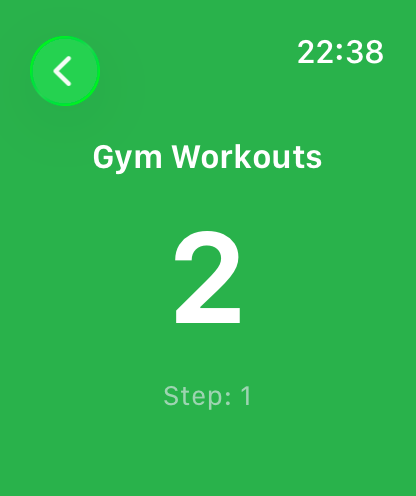
The full experience on your wrist. Spin the Digital Crown to count up or down — no screen tap needed.
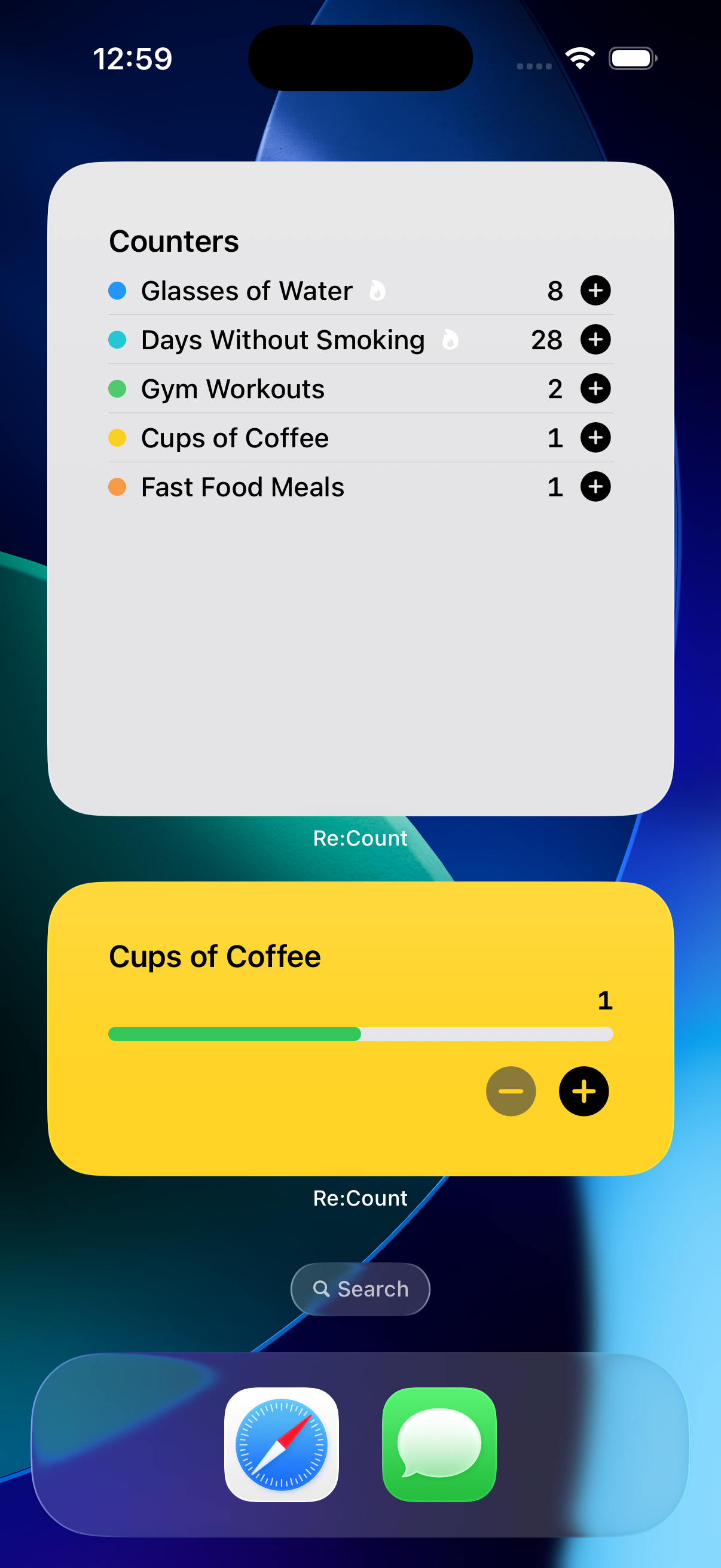
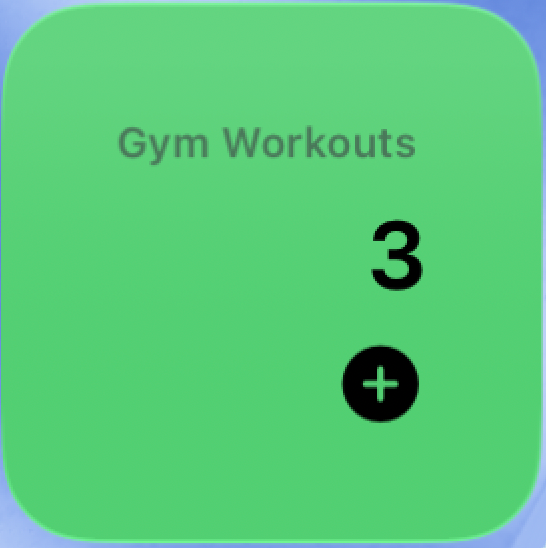
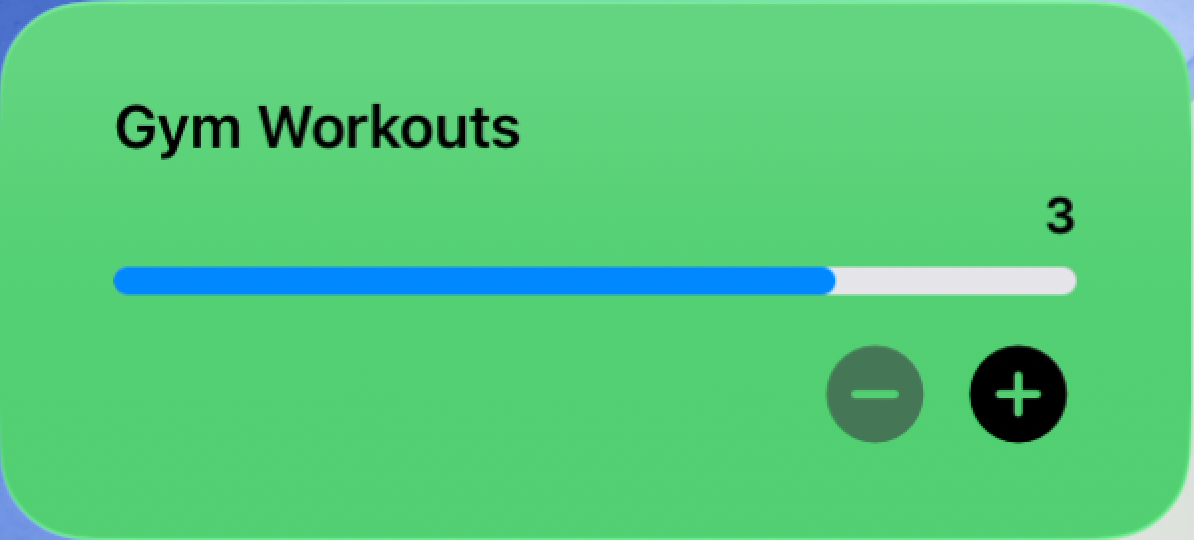
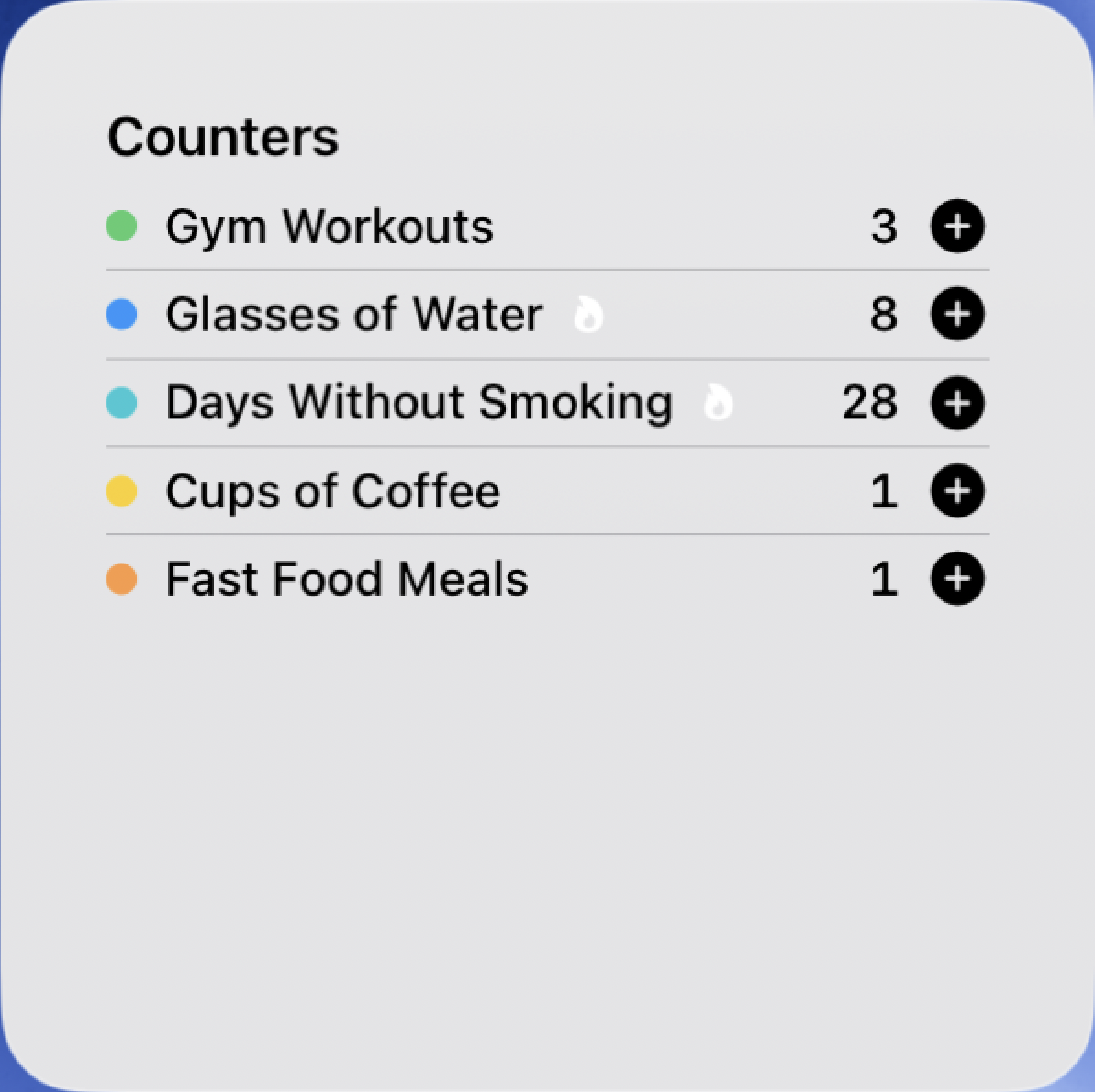
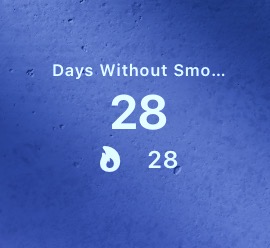
Home screen, lock screen, and StandBy — all sizes covered. Tap to count without ever opening the app.
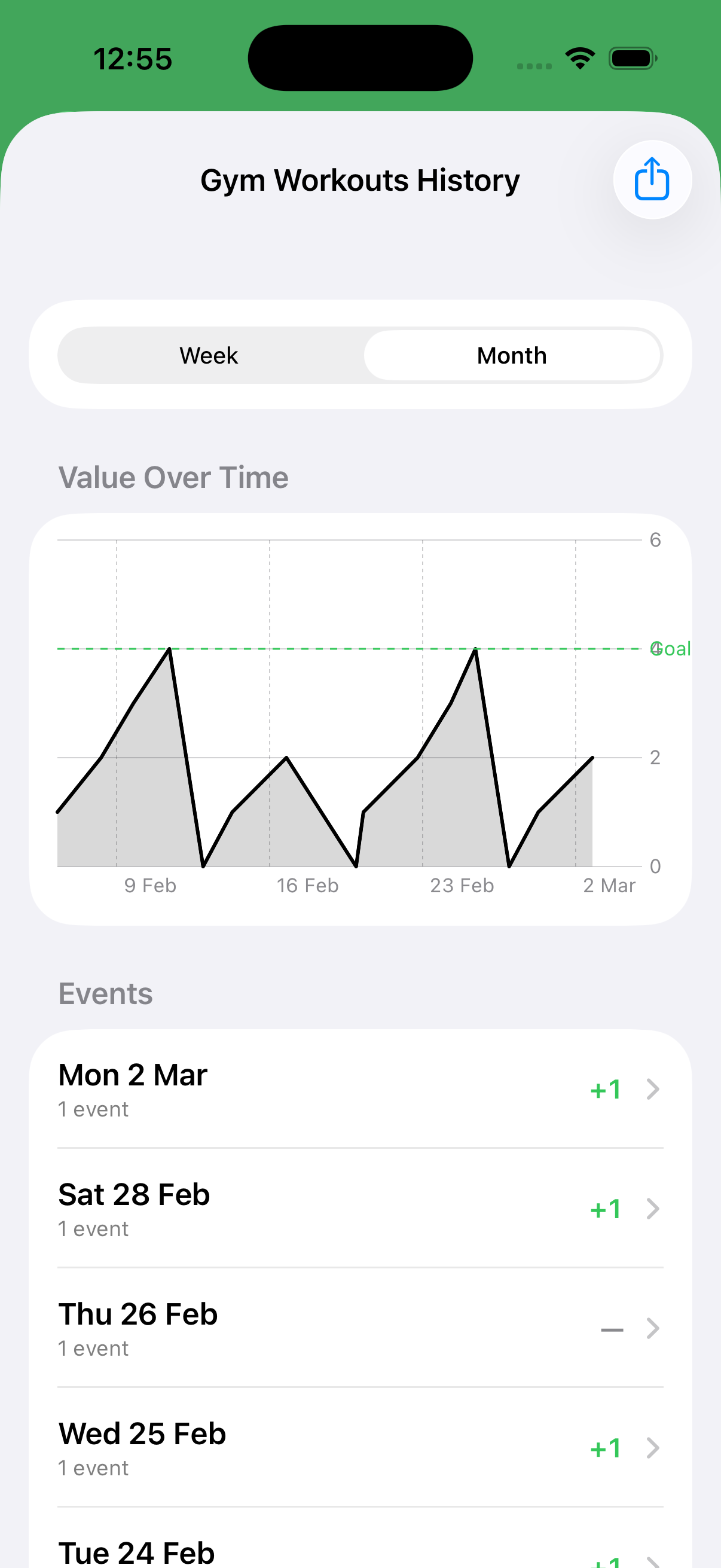
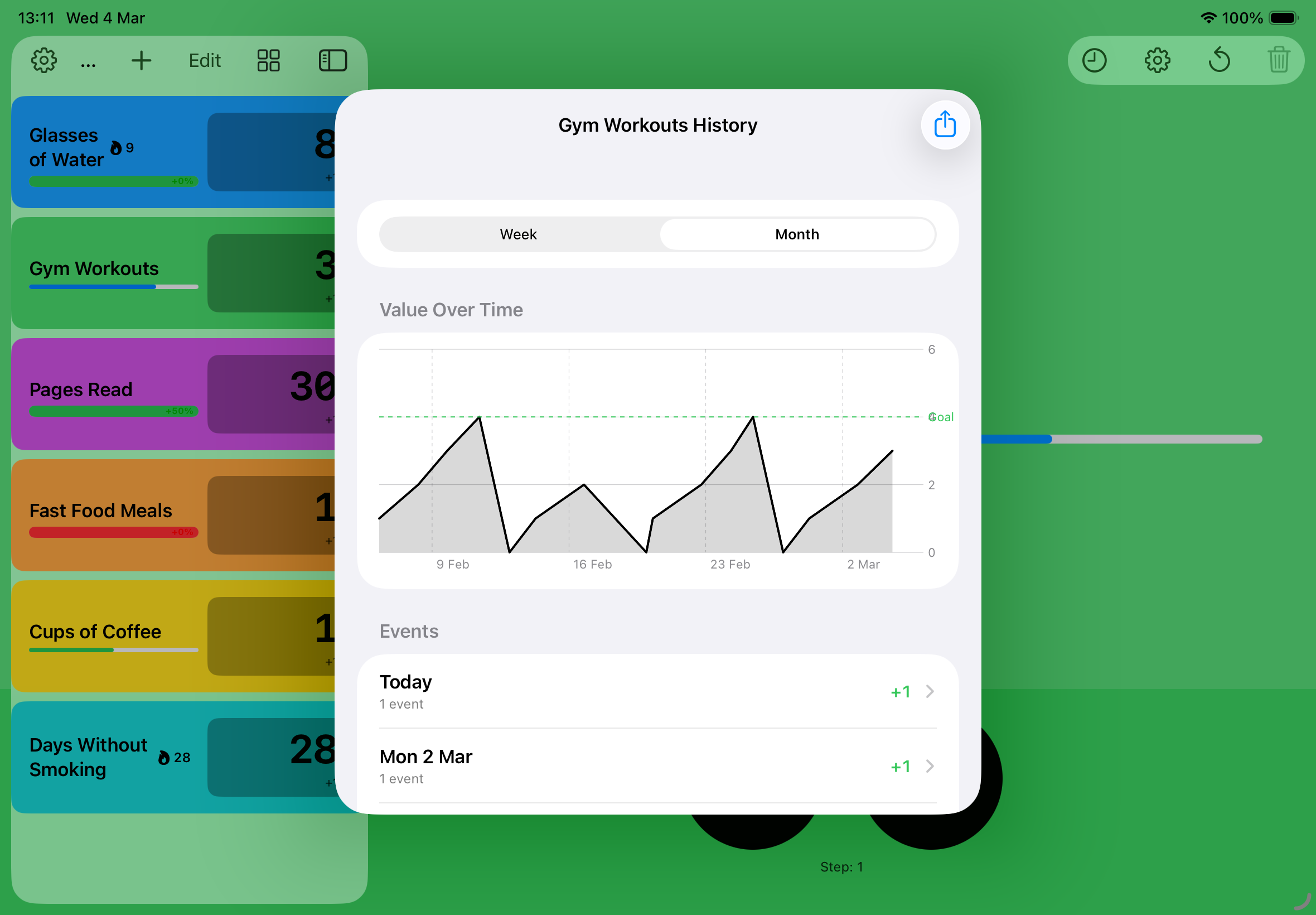
See the week or month at a glance. Every tap is logged — export to CSV if you want the raw data.
Lock any counter behind Face ID or Touch ID. Some things you count are just for you.
See it in action.
Real screenshots straight from the app — on iPhone, Apple Watch, and iPad.
Everywhere you are.
Re:Count isn't just an app — it's a widget, a watch face, and a lock screen tile. Count from wherever is most convenient.
Three sizes for your home screen plus lock screen and StandBy accessories. Tap any widget to count — no app launch needed.
A full companion app built for the wrist. Sync is automatic — open the Watch app and your counters are already there.
Spin the Digital Crown to count up or down — no taps required.
Haptic feedback on every count, so you always know it registered.
Syncs via iCloud — switch between devices without missing a beat.