A reading log built on sessions.
Omnibus records what you read as timed sessions with a start page and an end page, and turns those into the things a shelf cannot tell you: how fast you actually read, when you will finish the book you are in, how this month compares with last, and which hours of the day your reading really happens. Highlights and notes are kept against each book, searchable across the library.
iOS 18 or later · iPhone, iPad and Apple Watch
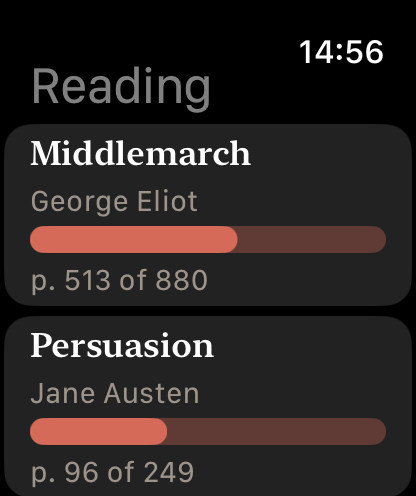
Four tabs. The first one is the book you are in.
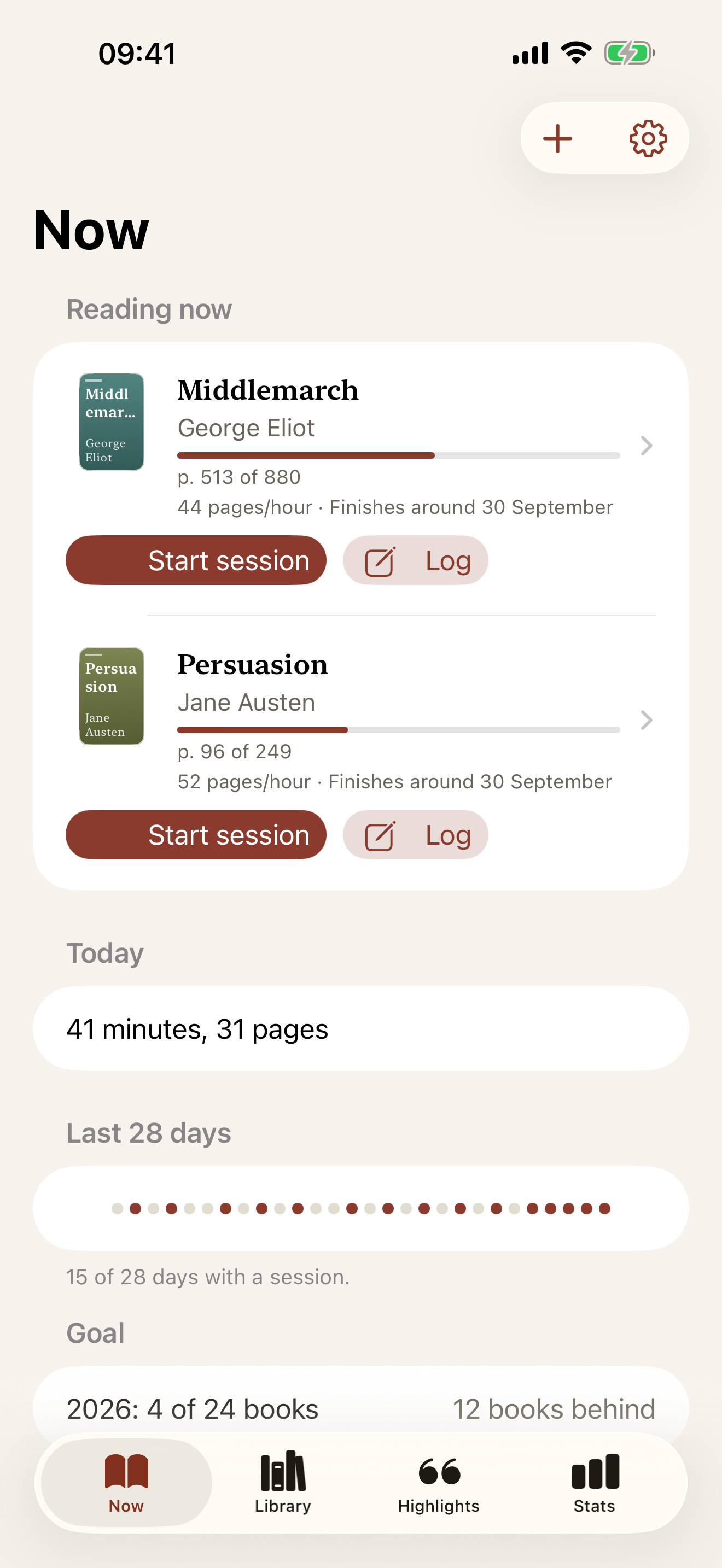
Now, Library, Highlights and Stats. The app opens on the books on the go and the button that starts a session. The shelf exists; it is not the point.
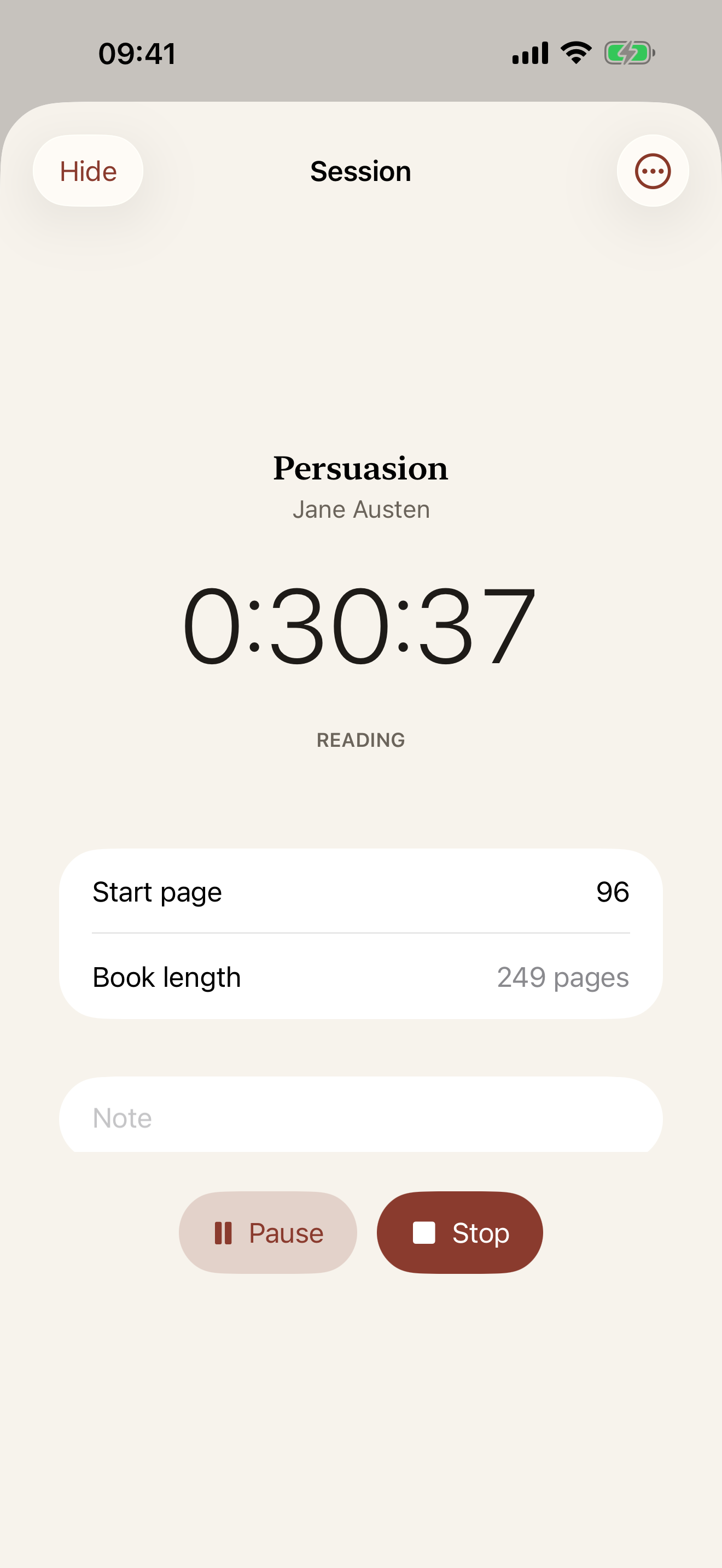
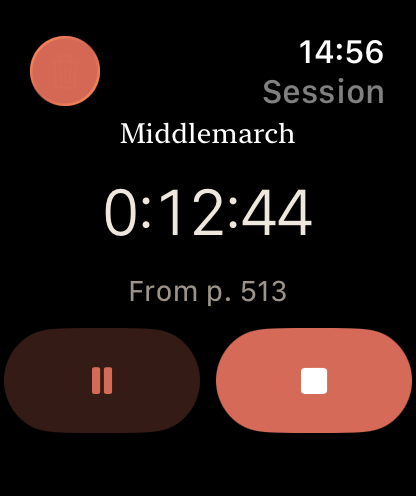
Start a timer when you open the book and stop it when you close it, entering the page you reached. Or log a sitting after the fact. Every number in the app comes from those sessions.
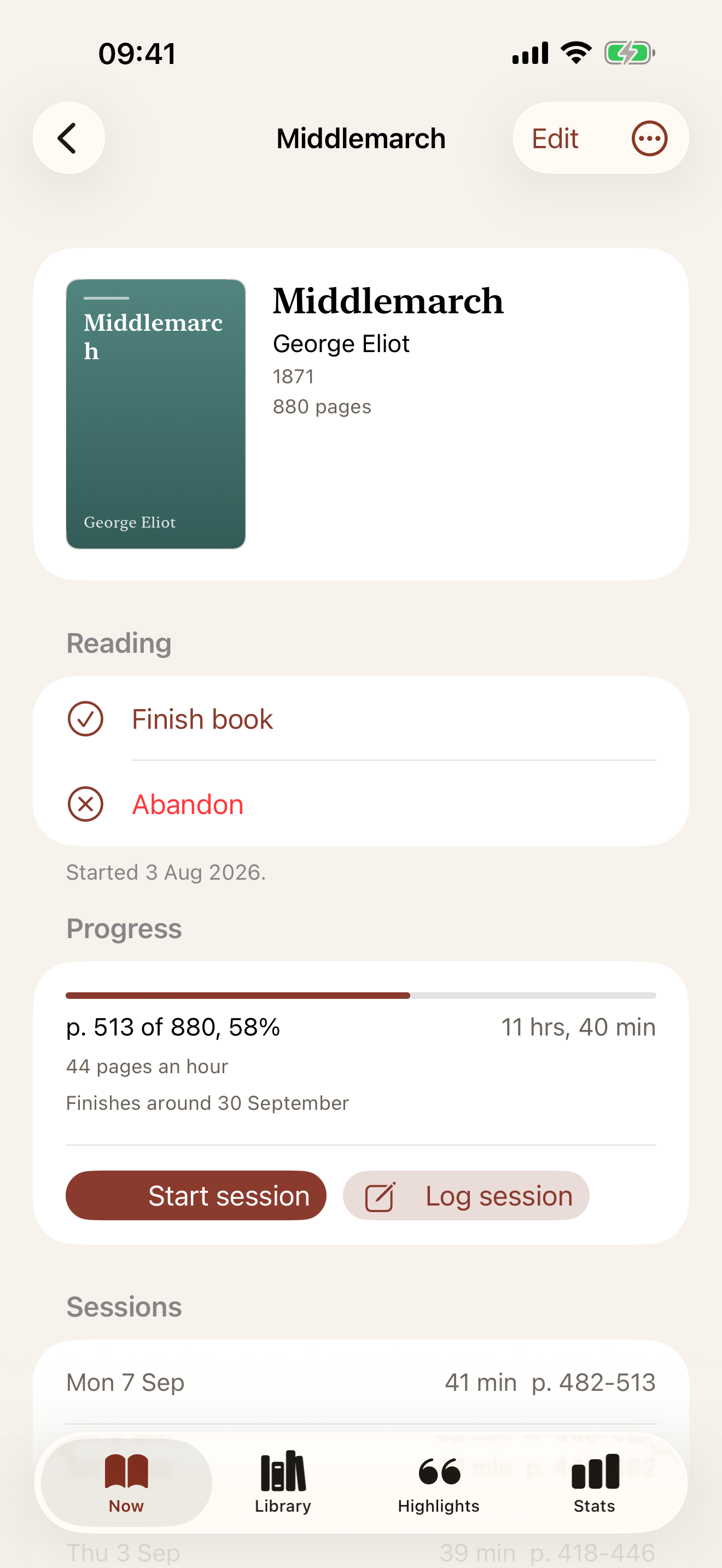
Pages an hour over your last seven sittings of five minutes or more, from your own reading rather than a formula.
Pages read over the last 14 calendar days, divided by 14, so a reader who does 200 pages every other Sunday projects at 14 pages a day and not 200. Days with no reading count.
The timer sits on the Lock Screen and in the Dynamic Island while you read, with a Stop button. If you stop it there, the app asks for the end page next time it opens.
Search Open Library, scan the EAN-13 on the back, or type the title. Covers are fetched once and kept. No camera, no problem: the other two routes are always there.
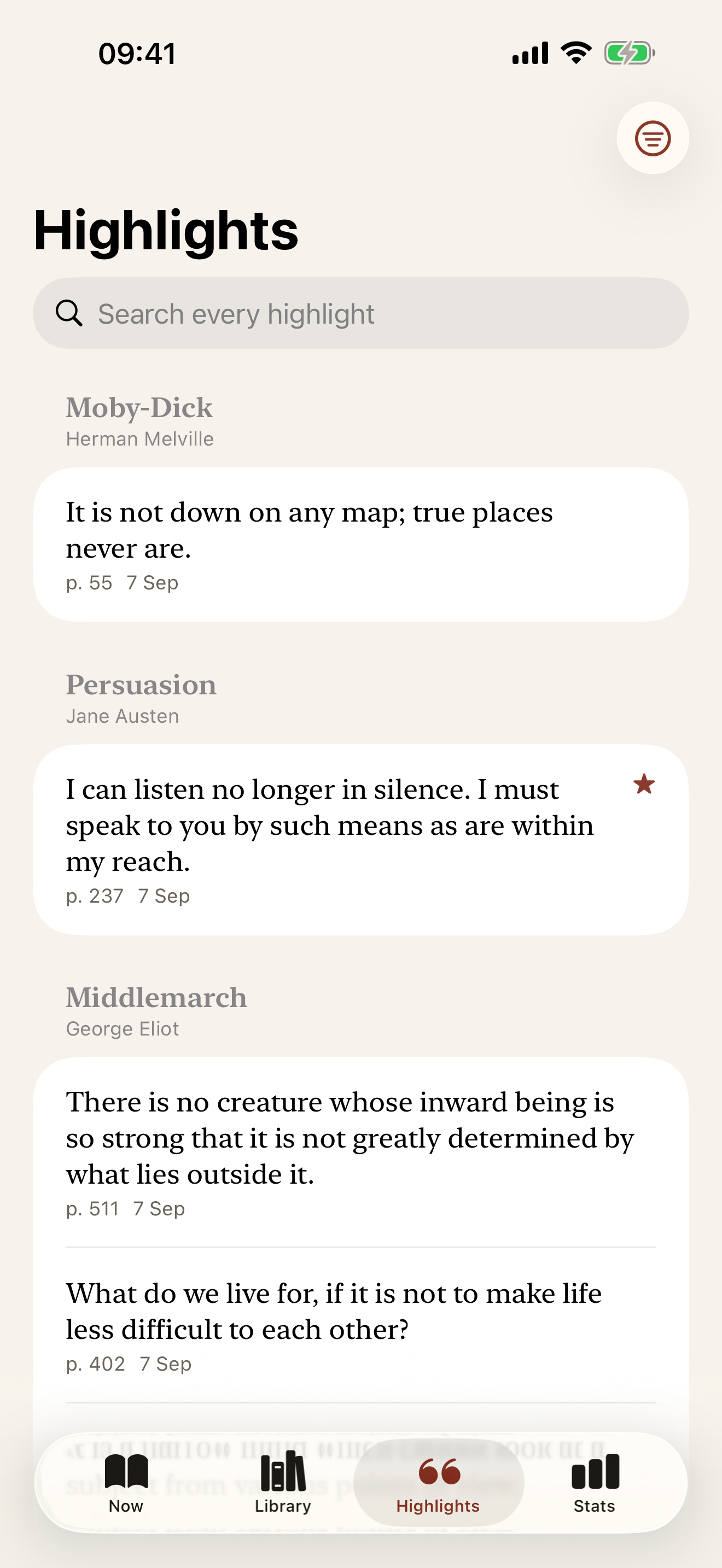
Keep a passage with its page reference and your own note. Search every highlight in the library and share one as an image with Pro.
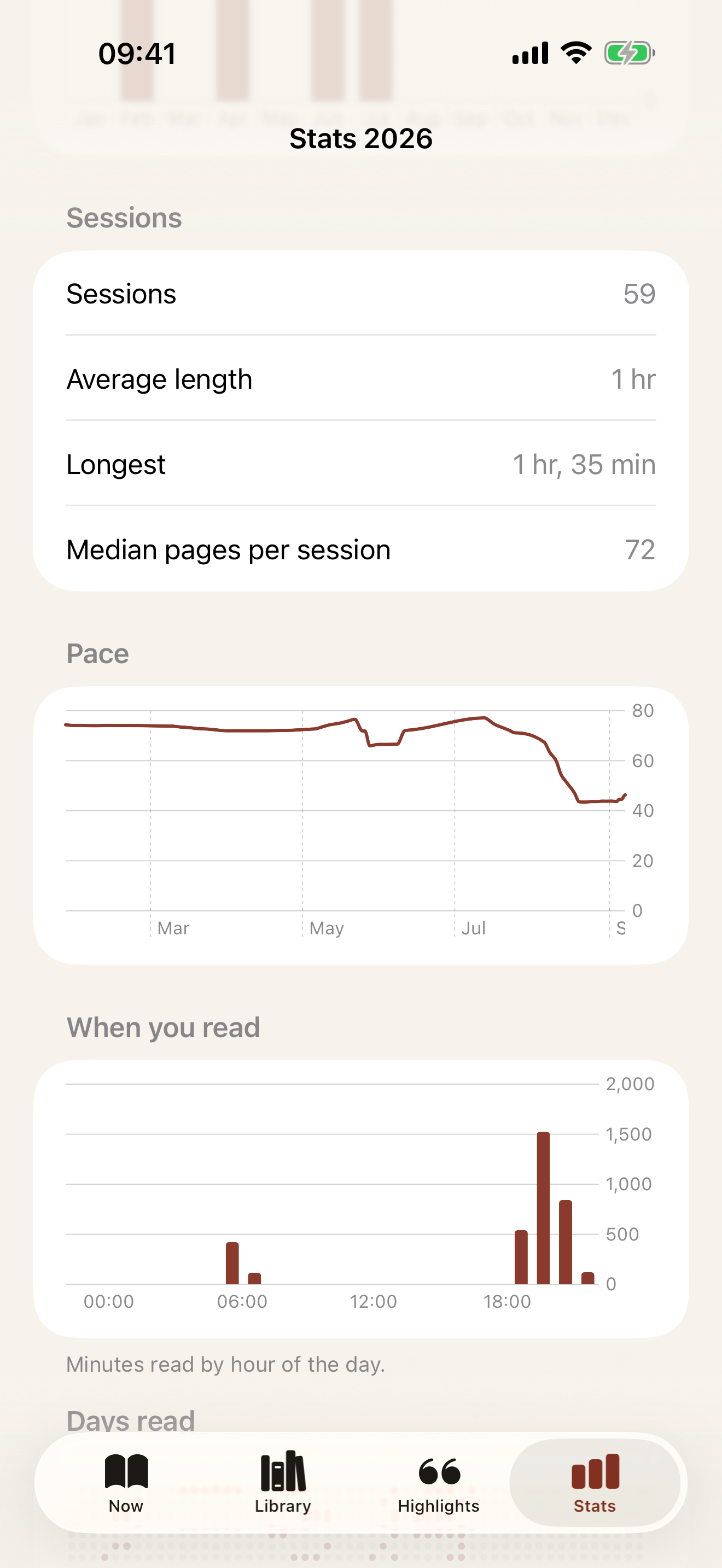
Minutes by hour of the day, pages and books per month with last year alongside, pace over time, the year as dots, and your top authors and tags. Part of Pro.
Books or pages, measured against today's date, so it says two ahead or three behind rather than a percentage that cannot.
Back up and restore the whole library as a file, free. Import your Goodreads export and export books, sessions and highlights as CSV with Pro.
The app, on an iPhone and an Apple Watch.
Light and dark appearances; these are the light one. The books shown are public-domain titles with generated covers.
Free to log. Pro for looking back.
Omnibus is free to download, and the free app is a complete reading log rather than a demo. Omnibus Pro is a single payment of £7.99 with no subscription, no adverts and no account. The gates are on the looking-back half, never on logging.
Everything needed to keep the log, with no time limit and nothing switched off after a trial.
- Unlimited books in all four states
- Timed and manual sessions, with the Live Activity
- Pace, projected finish and progress per book
- The calendar of days read
- One yearly goal
- Highlight capture per book
- Home Screen widgets
- The current year's summary in Stats
- Back up and restore the whole library as a file
One payment, yours for good, shared with your family through Family Sharing.
- iCloud sync between iPhone, iPad and Watch
- The Apple Watch app and complications
- The full Stats tab, every year
- Highlight search and share cards
- Goodreads import and CSV export
- Lock Screen widgets
- Goals for other years
- Everything in the free app, unchanged
Three things sit on the free side on purpose.
Logging. A reading log that cannot log is not limited, it is broken. Sessions, pace, the finish date and the calendar are free.
The backup. The whole library as a JSON file, out and back in, free. A paid wall on your own data is not a gate worth having.
Highlight capture. Keeping a passage is part of reading. Finding it again across the library and sharing it is where Pro starts.
No account, no adverts, no tracking. The only network use is Open Library, for book details and covers, when you search or scan. A gate never takes away what you already have: after a refund, highlights and goals stay, and only sync, search and share stop.