Re:Count
Count what matters. Give every counter its own icon and colour, set goals, build streaks, and keep tabs on anything - right from your wrist to your home screen.
Count without opening the app.
Version 1.9 adds a control for Control Centre, the Lock Screen and the Action button, a button on every reminder that adds a step, and Focus filters that narrow the list to the tags you choose for a Focus. Widget text is now readable on every counter colour in dark mode.
Add a counter to Control Centre, the Lock Screen or the Action button. One tap adds a step without opening the app. Requires iOS 18 or later.
Daily reminders and streak reminders now have a button that adds a step to the counter. Tapping the notification itself opens that counter.
Choose tags for a Focus in Settings. While that Focus is on, Re:Count shows only counters with any of those tags, and reminders for the others stay silent. Show All brings back the full list.
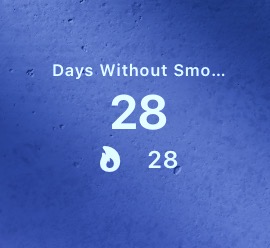
Widget text now picks black or white by measuring the counter's colour, as the app already does, so yellow, green and teal widgets stay readable in dark mode. In StandBy, the counter's colour moves to its icon.
Reminders for counters locked with Face ID no longer show the counter's name on the Lock Screen. Fixed a crash when adding a counter on iOS 17.0.
Features by area
From a simple tally to a fully tracked habit - Re:Count covers you on iPhone, iPad, Apple Watch, and your home screen.
Counters
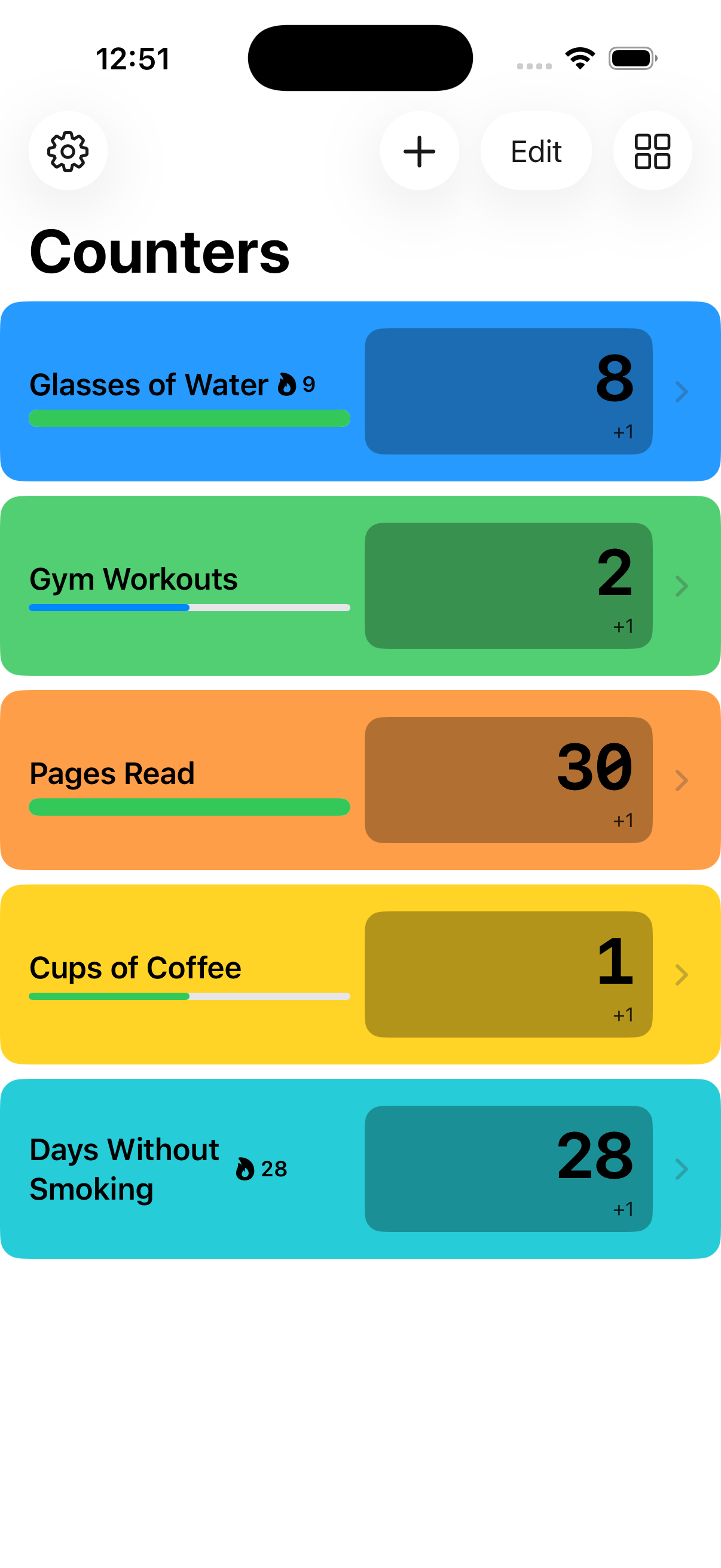
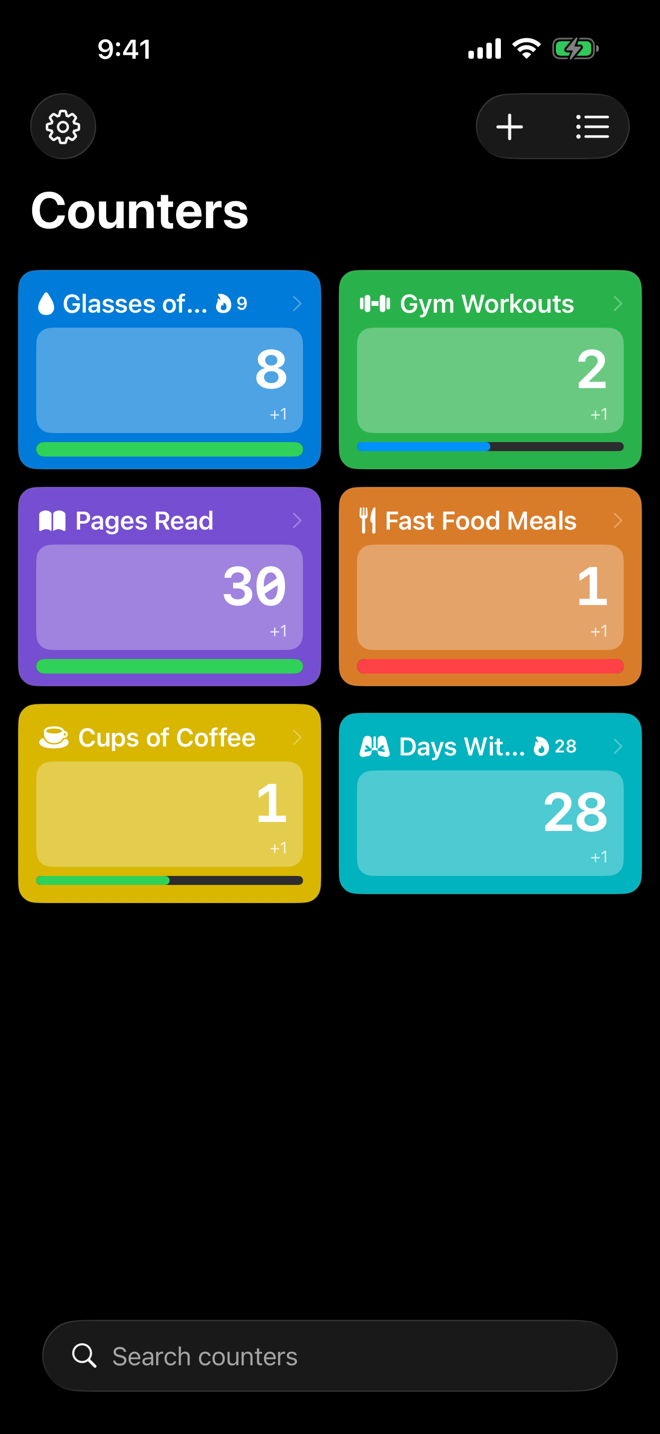
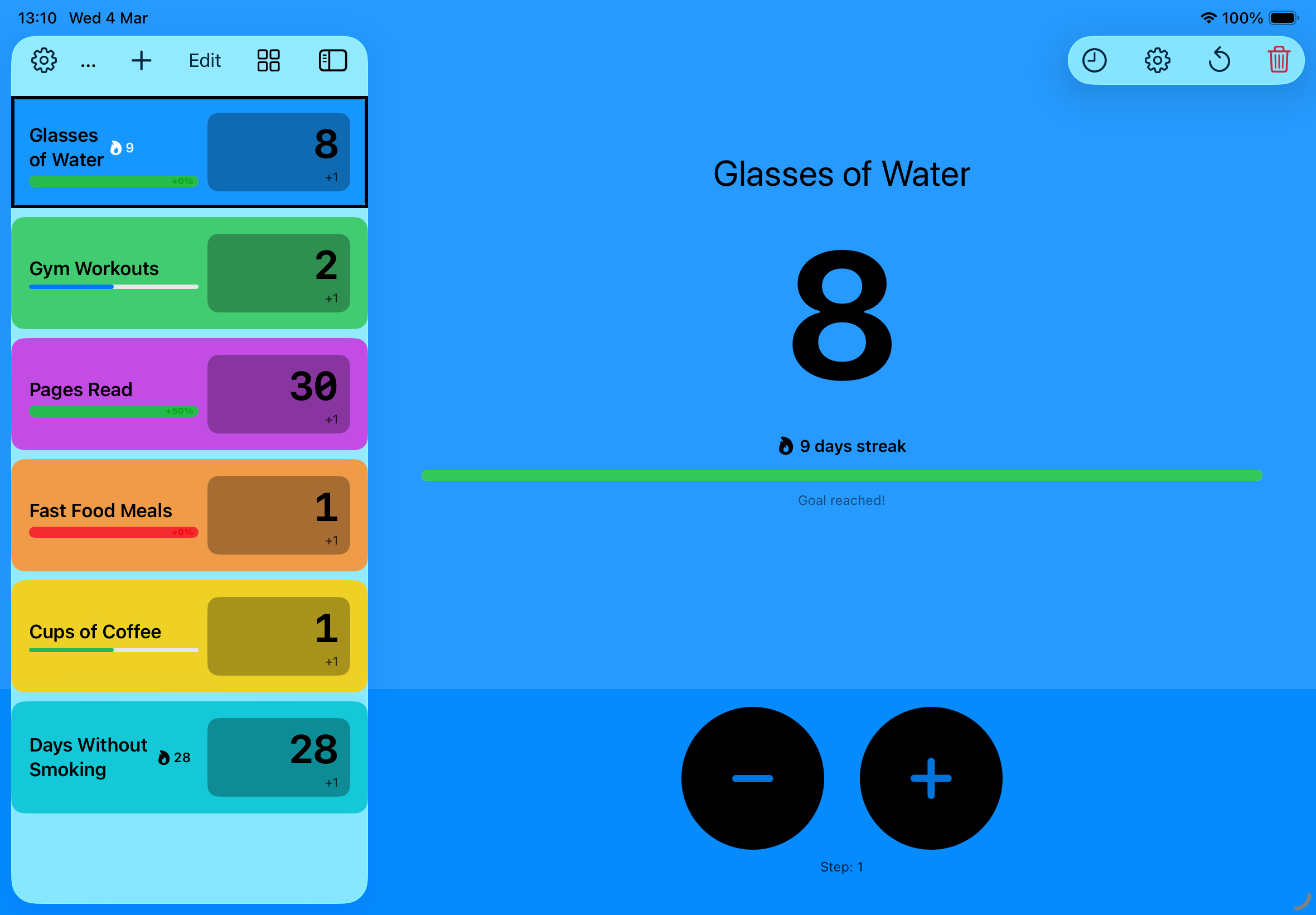
Create as many as you need. Name them, add a note on what counts, colour them, give each one an icon, drag them into any order, and set your own step size.
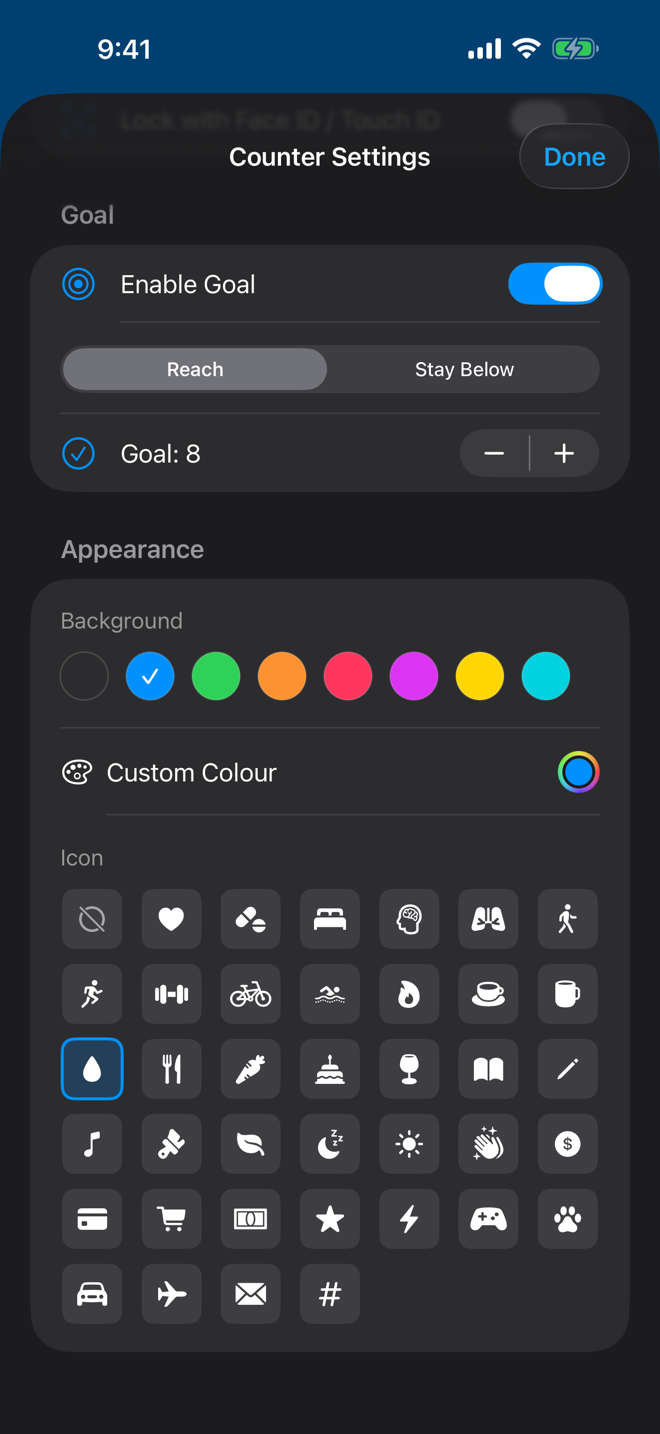
38 symbols and any colour on the wheel. Spot the counter you want at a glance, on every screen it appears.
Group counters with coloured tags and filter the list by tapping them. Pick several to narrow it further.
Find any counter by name, note or tag - in the app, or from iPhone search without opening it.
Choose tags for a Focus in Settings. While that Focus is on, the list shows only counters with any of those tags, and reminders for the others stay silent. Show All brings back the full list.
Goals & Habits
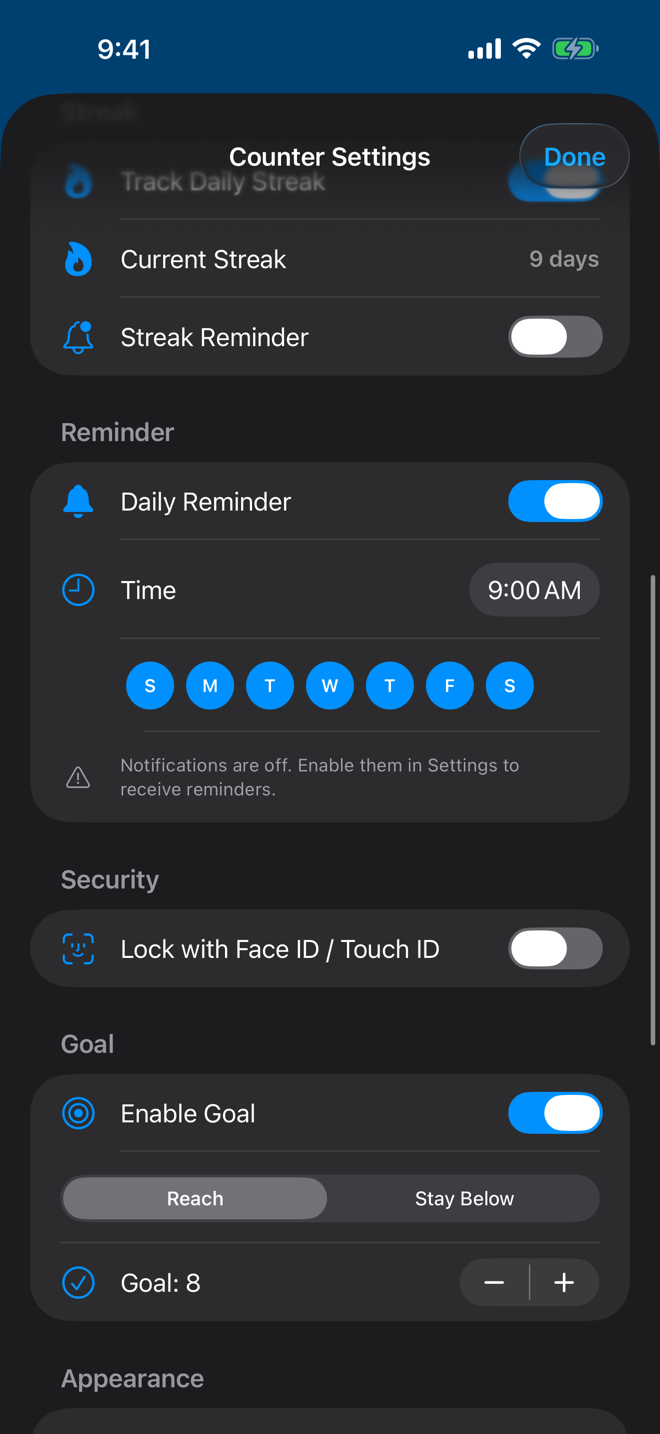
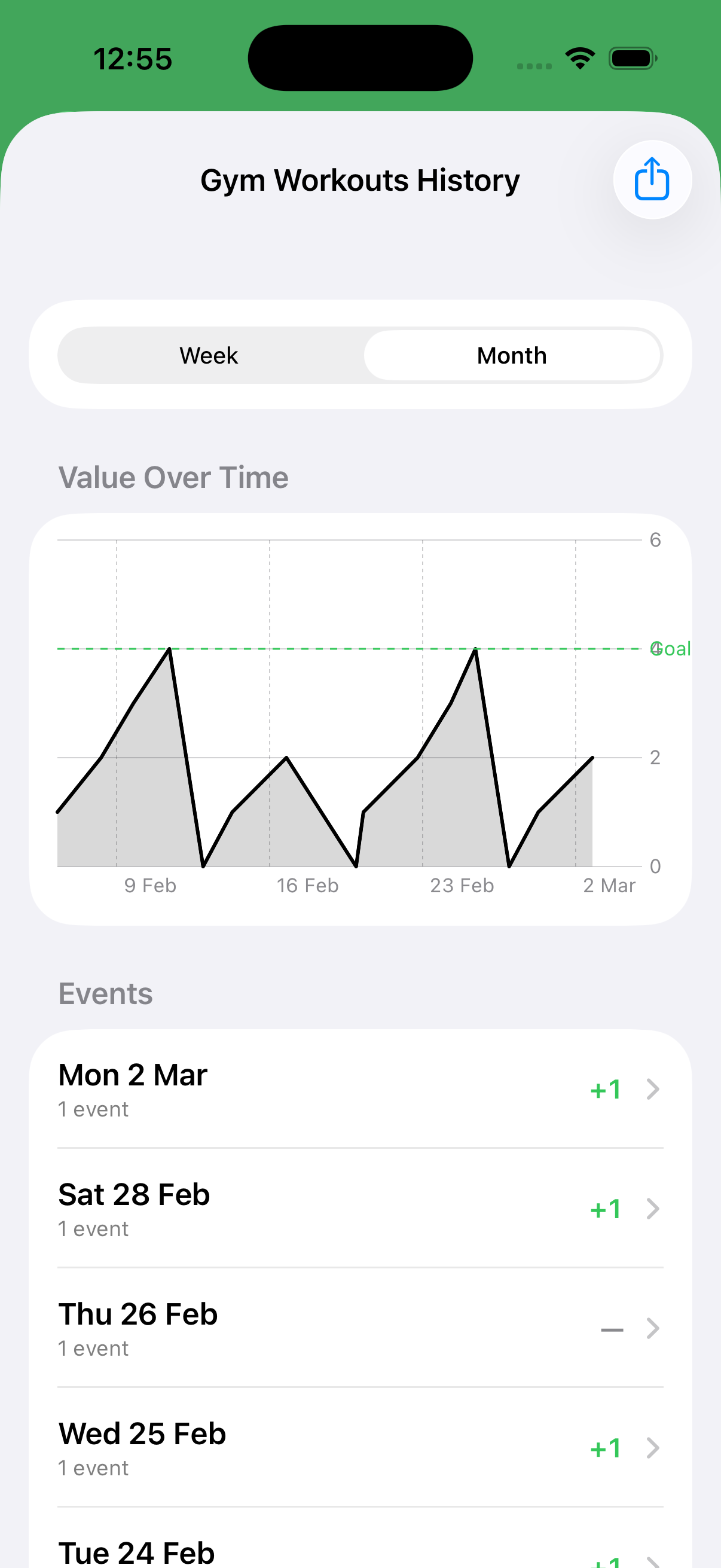
Set a daily goal or a hard limit. Watch the progress bar fill - and get an animated heads-up when you cross the line. Give a target a date to be met by and the counter shows how long is left, and whether you are keeping pace.
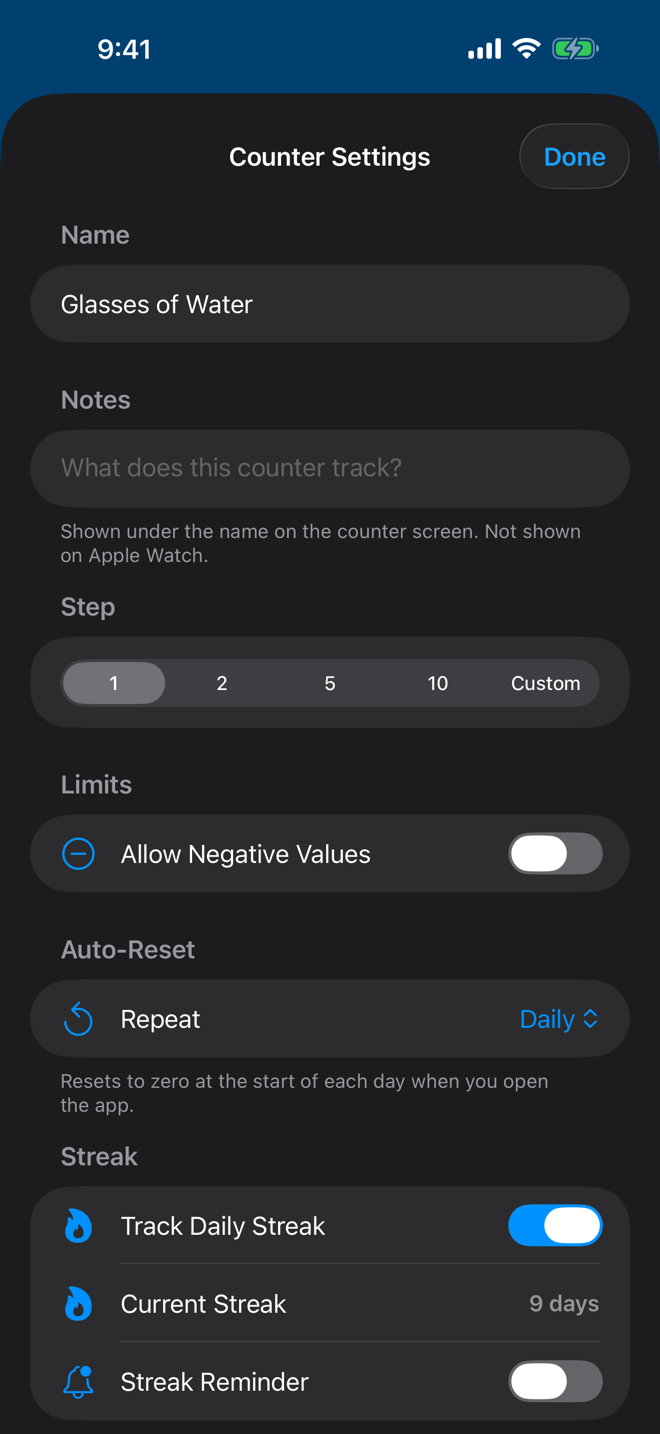
A flame badge lights up on any counter you've touched today. Keep the streak going - miss a day and it resets.
Clear a counter automatically every day, week, or month. Resets are logged like any other, so charts and streaks stay honest.
A daily reminder per counter, on the days you choose - plus an optional nudge when a streak is about to break. Each one has a button that adds a step without opening the app. Reminders for locked counters never show the counter's name.
History & Data
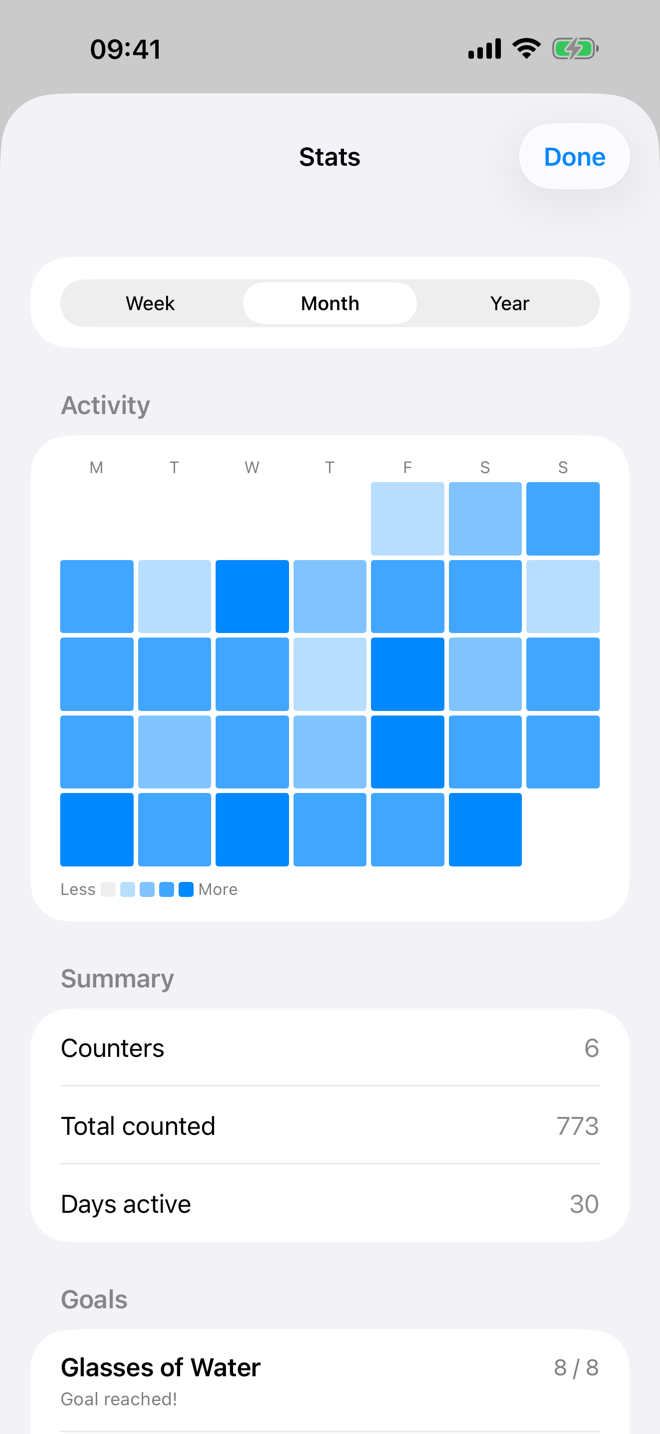
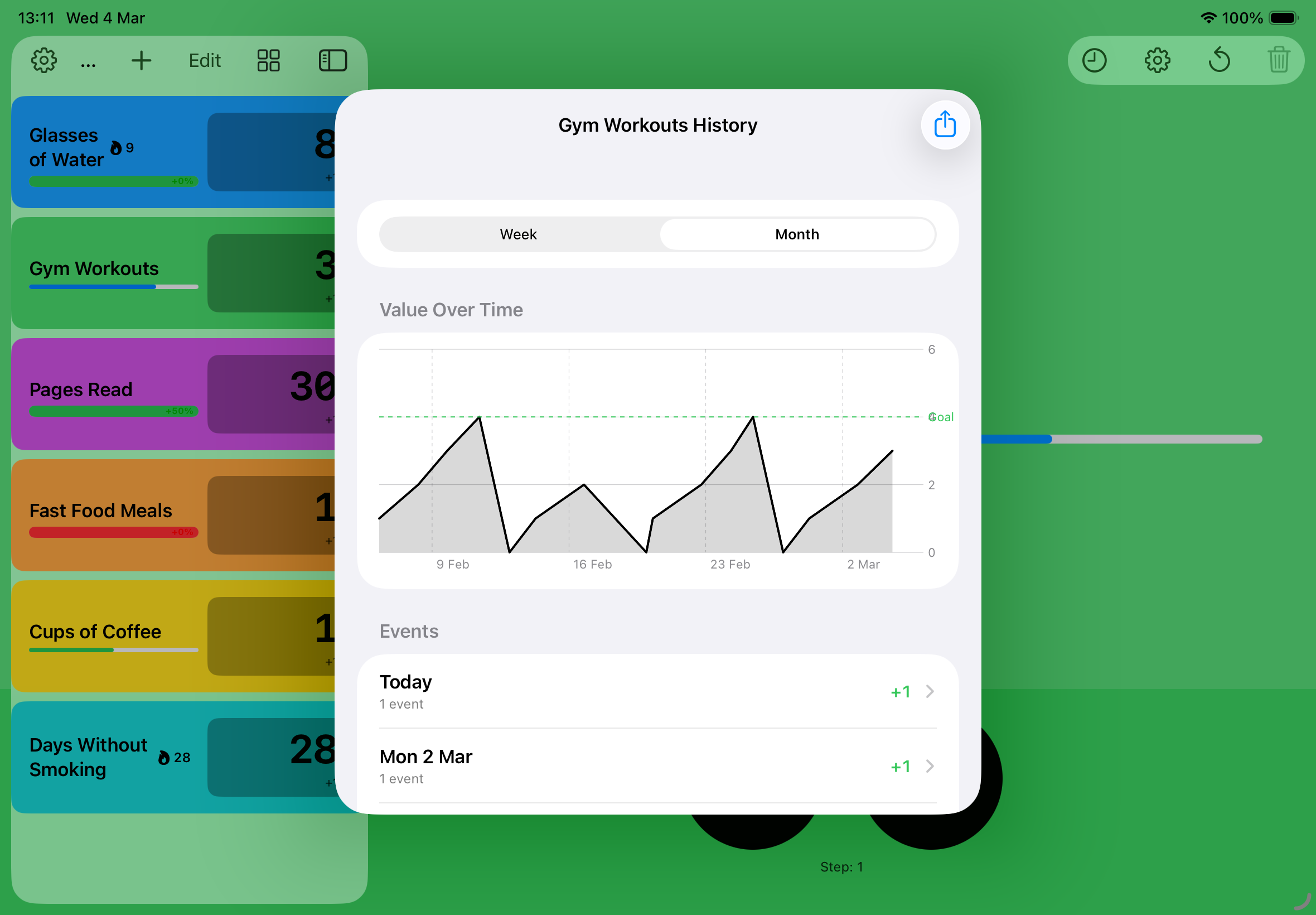
See the week, the month or the year at a glance, with a grid showing which days you counted. Every tap is logged - export to CSV if you want the raw data.
One screen across every counter, over a week, a month or a year: an activity grid, the totals for the period, every goal with how it is tracking, and the streaks you have running. Locked counters are left out.
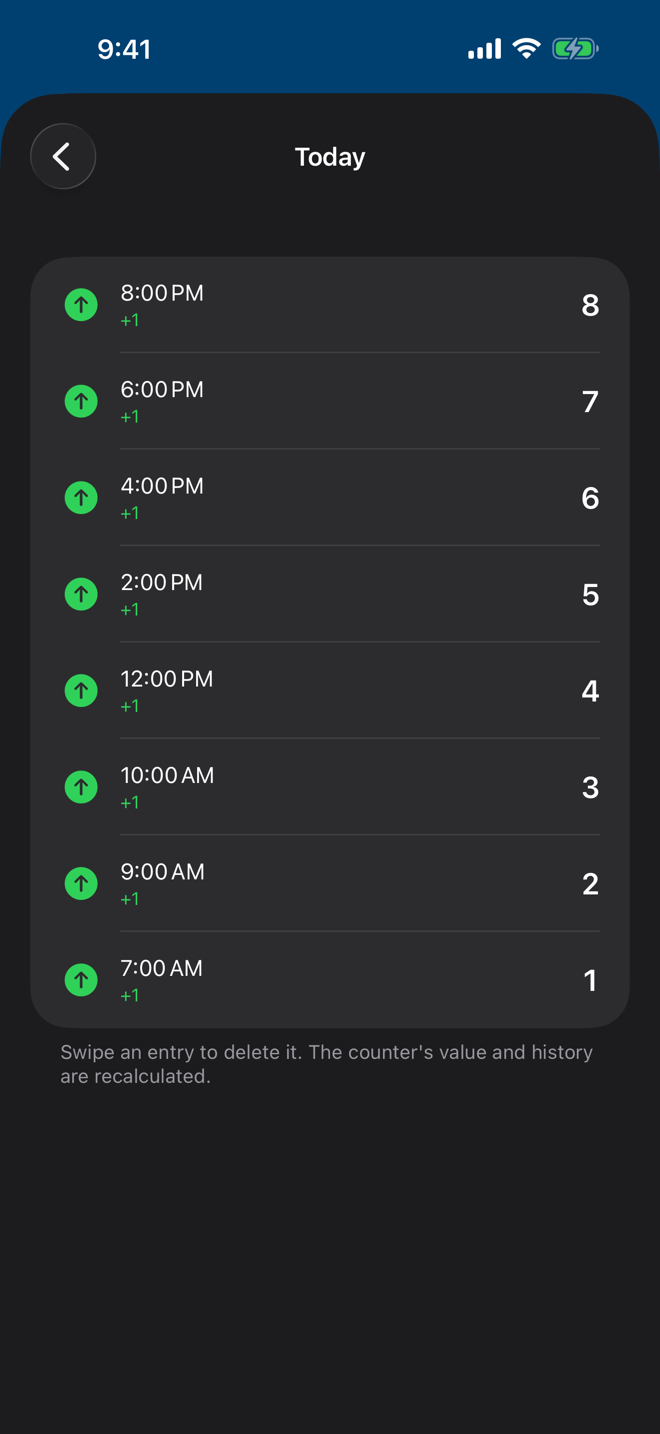
Delete a wrong entry from a counter's history. The value, chart, streak, and export all recalculate from what's left.
Export everything to a file - counters, history, notes and tags - and import it back on any device. Restoring where counters already exist matches them up rather than duplicating them, and you choose whether locked counters go in.
Widgets, Watch & Siri
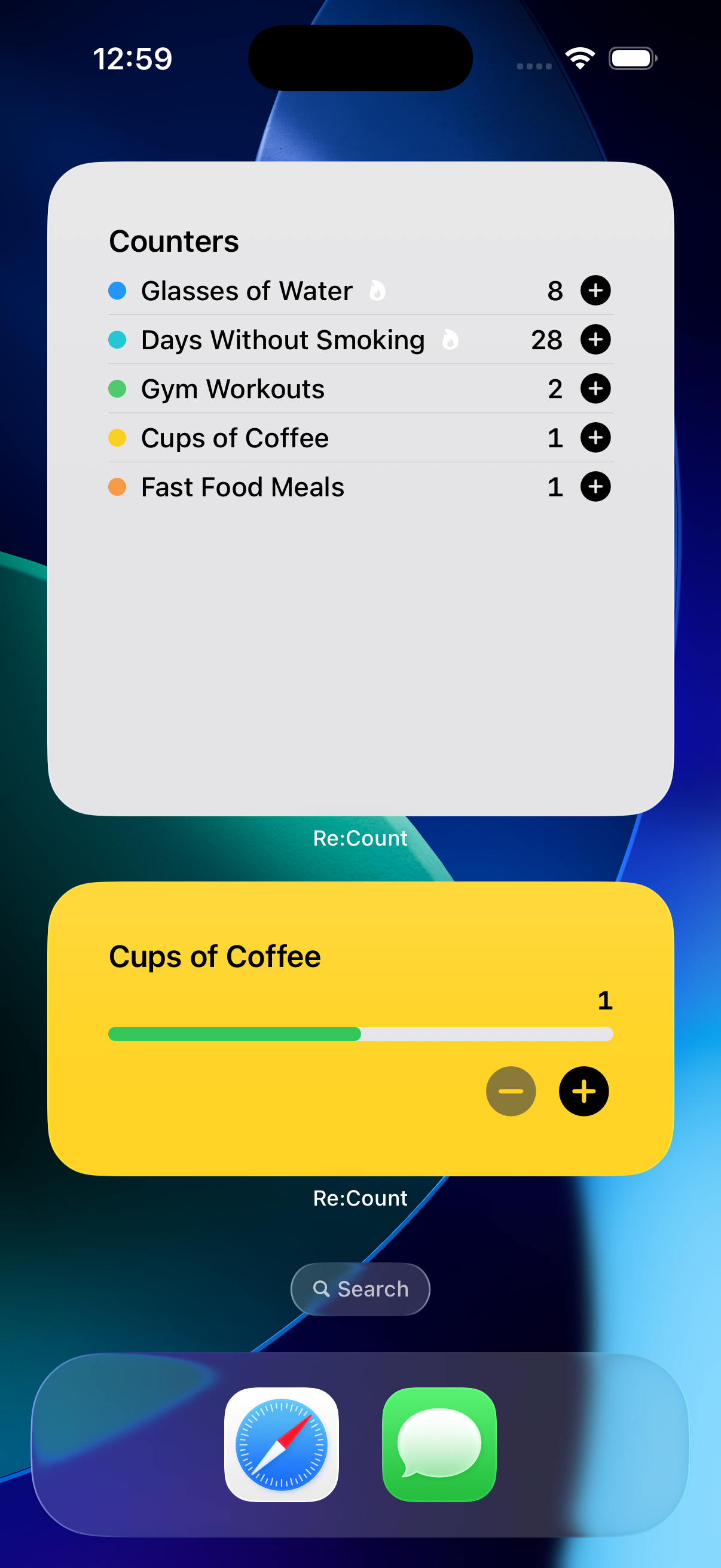
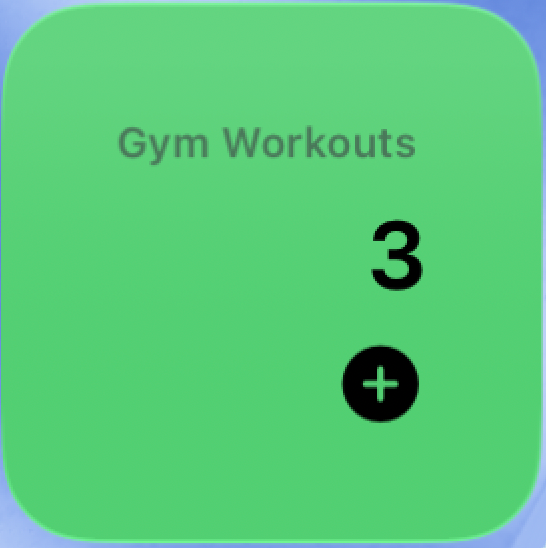
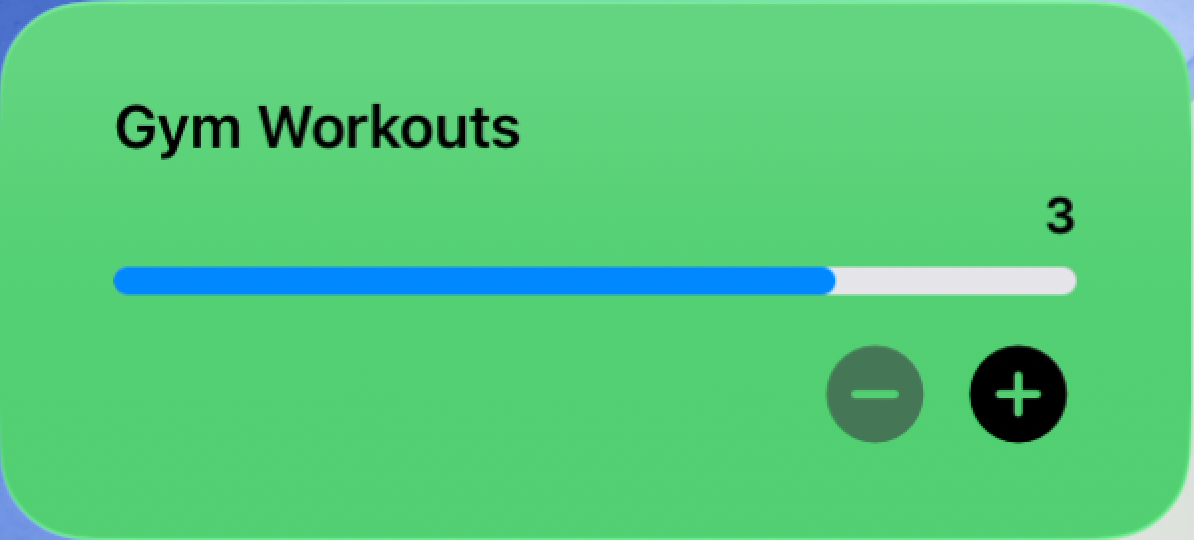
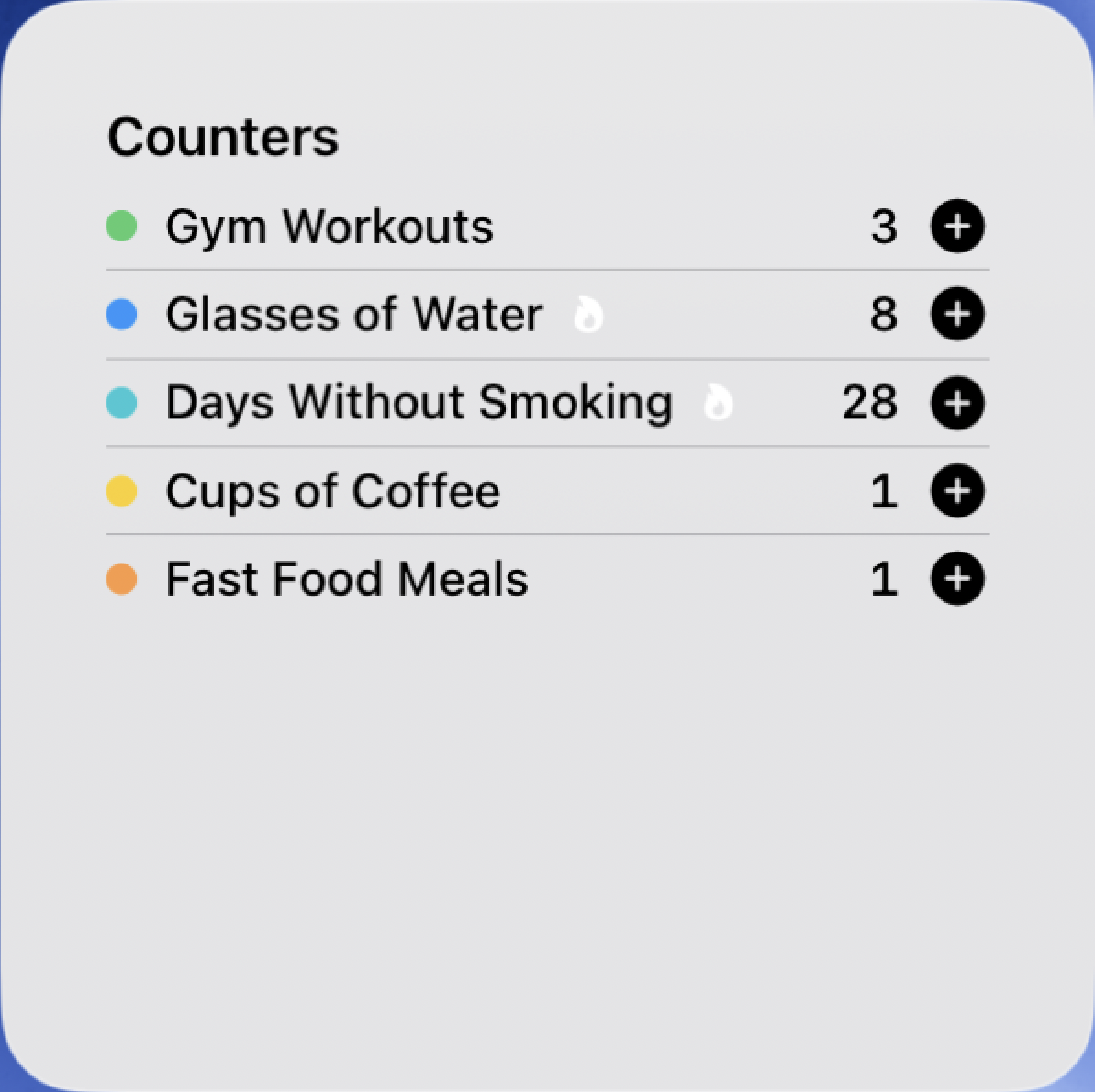
Home screen, lock screen, and StandBy - all sizes covered. Tap to count without ever opening the app. Text picks black or white by measuring the counter's colour, so every colour stays readable in light and dark mode.
Add a counter to Control Centre, the Lock Screen or the Action button. One tap adds a step without opening the app. Requires iOS 18 or later.
“Add one to Water in Re:Count.” Count by voice, or build the actions into your own Shortcuts automations.
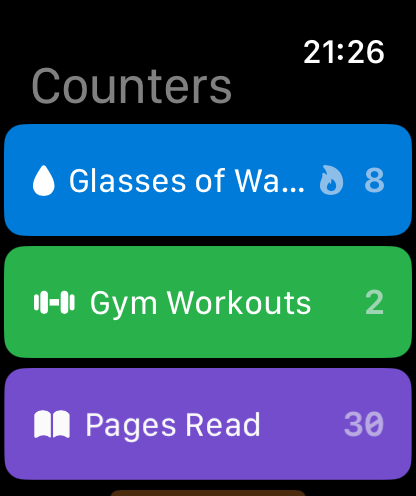
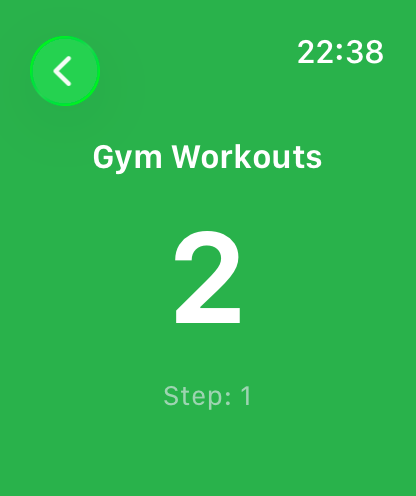
The full experience on your wrist. Spin the Digital Crown to count up or down - no screen tap needed.
Put a counter right on your watch face - circular, rectangular, inline, or corner. Shows the goal ring and streak; tap to open.
Sync, Privacy & Languages
Your counters live in iCloud. Switch from iPhone to iPad to Watch and they're already there - no setup required.
Lock any counter behind Face ID or Touch ID. The value stays hidden on screen and from VoiceOver until you unlock it - some things you count are just for you.
English, German, Spanish, French, Japanese, Italian, Korean, Dutch, Turkish, Polish, Portuguese, Vietnamese, Thai, Indonesian, and both Chinese scripts - across the app, widgets, Watch, and every notification.
iPhone, Apple Watch and iPad
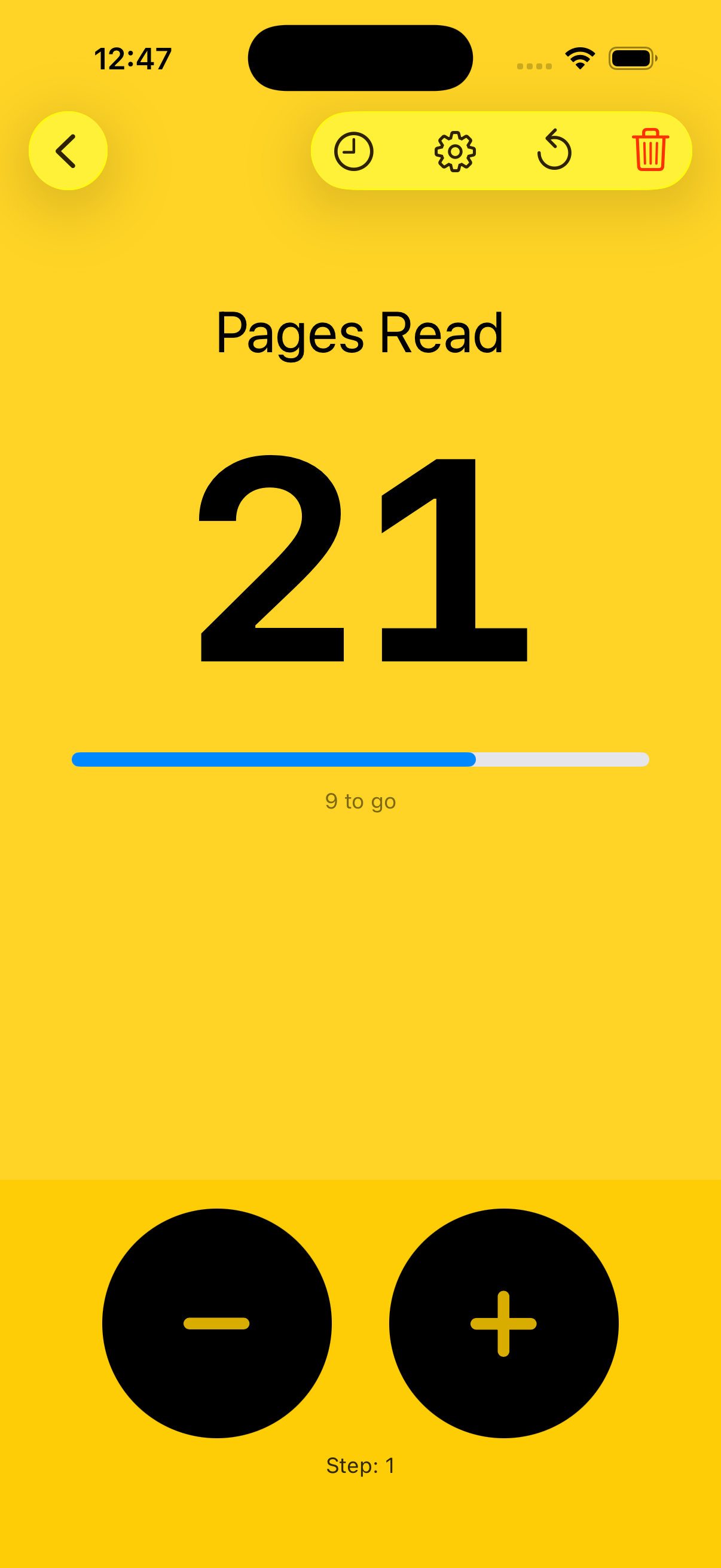
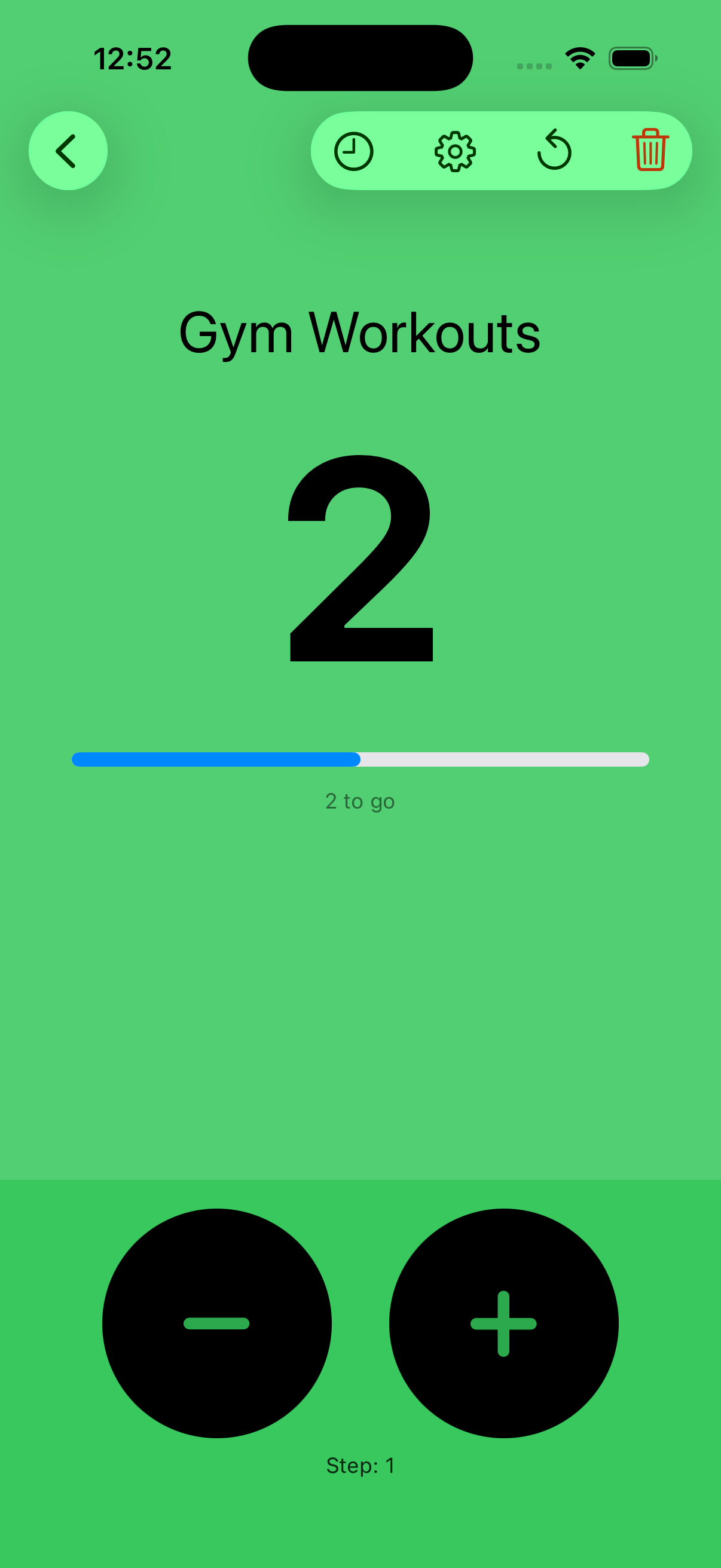
Real screenshots straight from the app - on iPhone, Apple Watch, and iPad.
Widgets and Apple Watch
Re:Count has Home Screen, Lock Screen and StandBy widgets, an Apple Watch app, and watch face complications.
Three sizes for your home screen plus lock screen and StandBy accessories, each showing your counter's own icon and colour. Tap any widget to count - no app launch needed.
A full companion app built for the wrist, plus a watch face complication. Sync is automatic - open the Watch app and your counters are already there.
Spin the Digital Crown to count up or down - no taps required.
Haptic feedback on every count, so you always know it registered.
Add a counter to your watch face - circular, rectangular, inline, or corner.
Counts sync with your iPhone the moment you make them - and your history and streaks now match on both devices.